How to add Simplebks to display like a mobile app on your Iphone: IOS Version
updated 4 months ago
With the widespread use of smartphones and mobile devices, having your Simplebks account displayed like a mobile app makes it more accessible to users. Users can easily access their financial information and perform accounting tasks on the go, without the need for a computer or laptop.
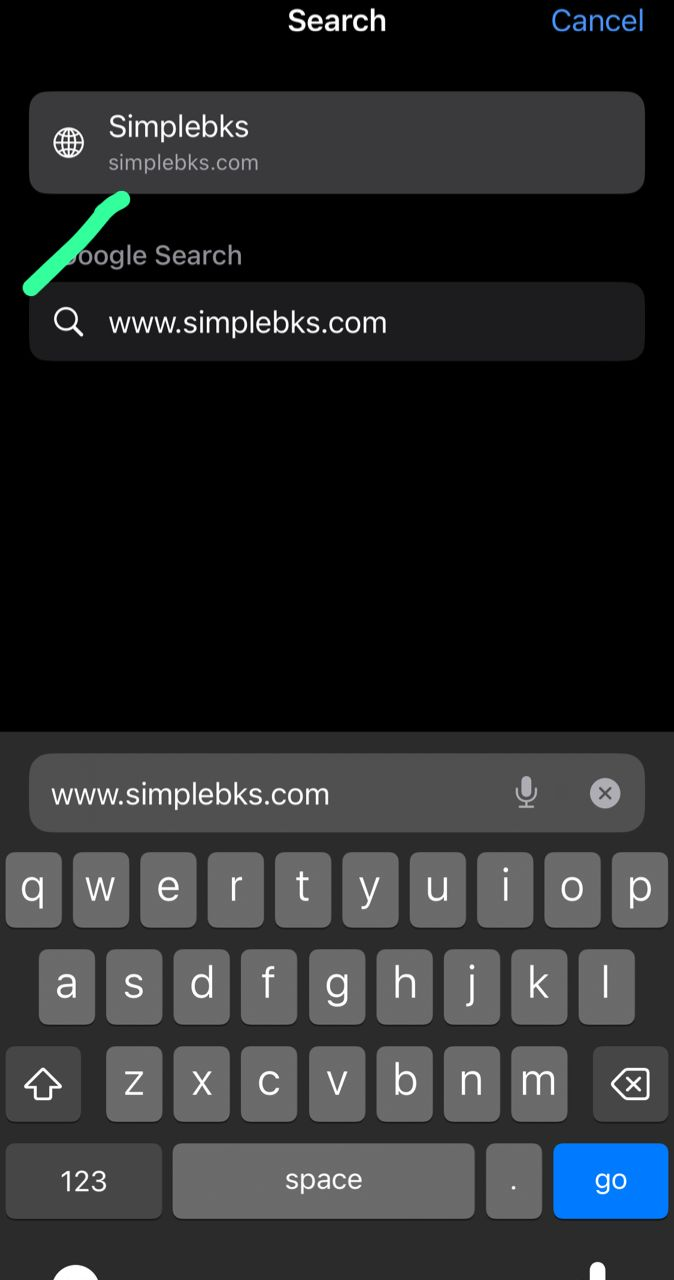
Log in to www.simplebks.com

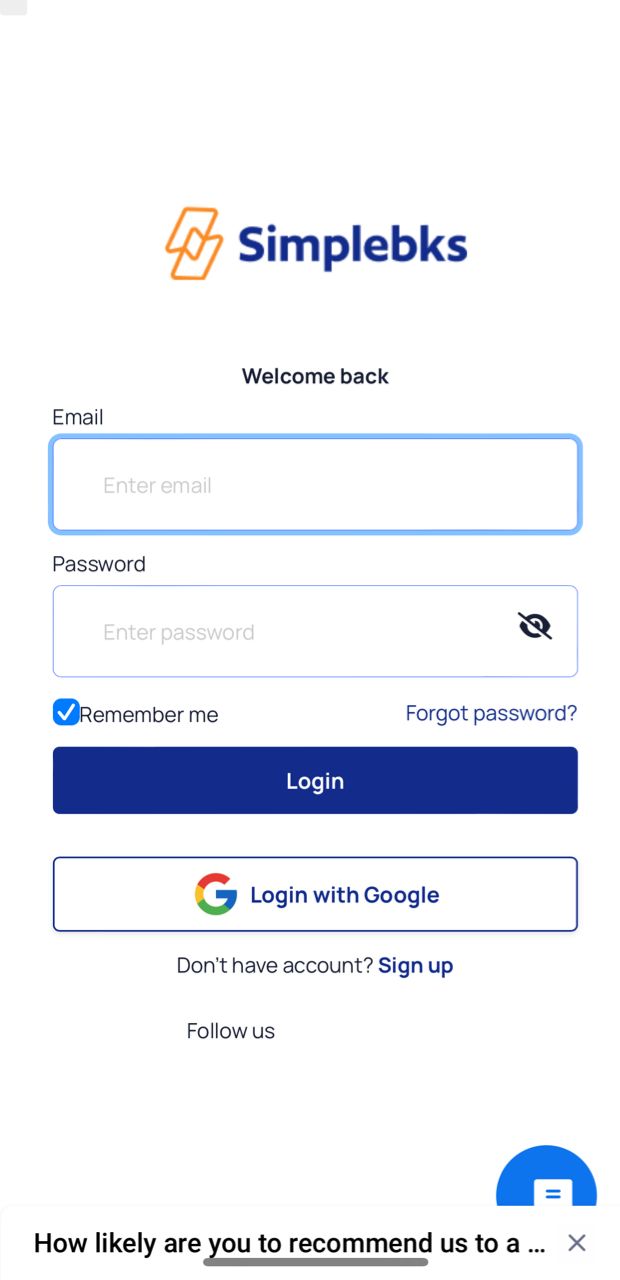
Login or Click on Sign-up as a new user
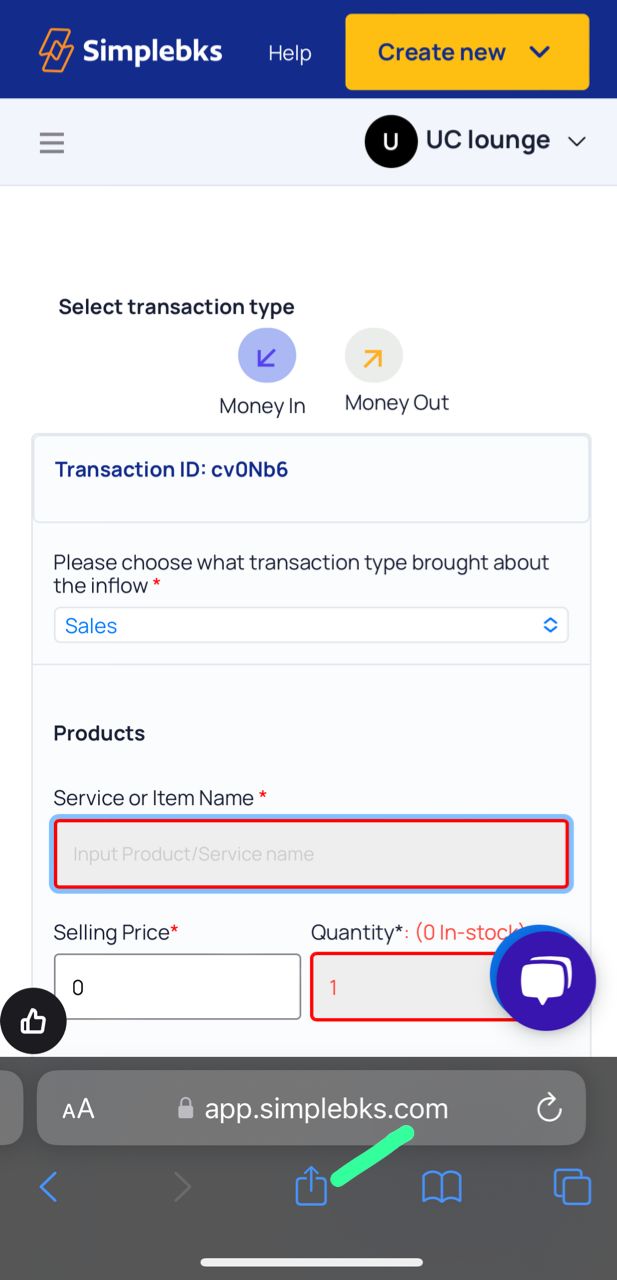
After logging in, Click on the arrow icon below on your Safari browser
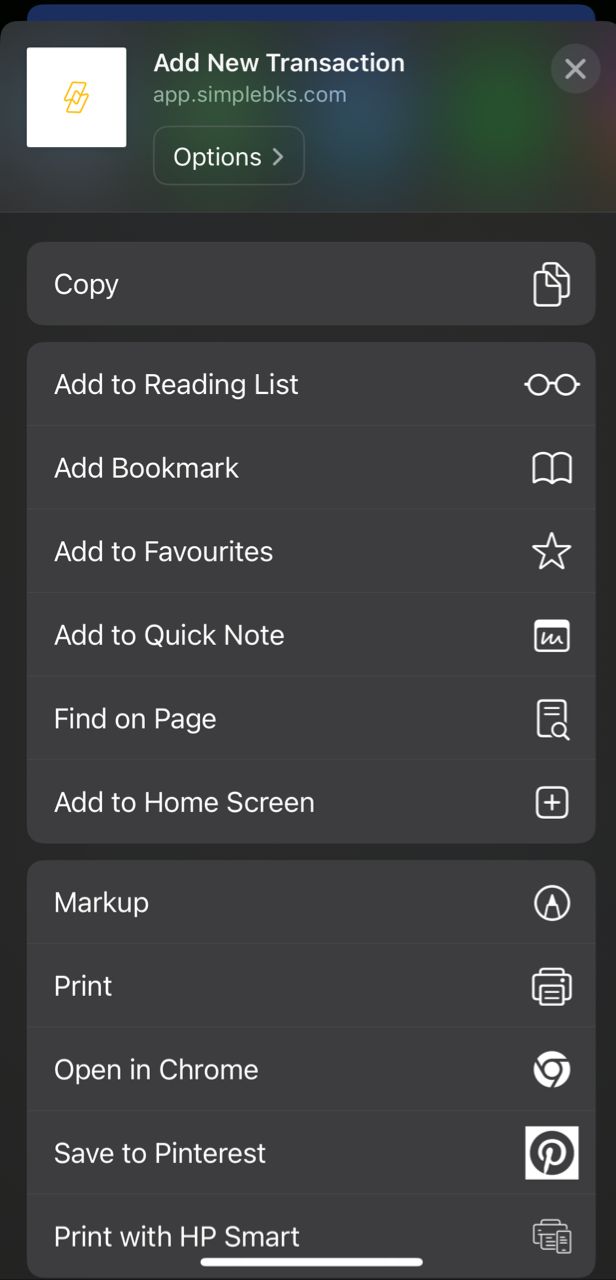
Click on Add to Home Screen
Click on Add
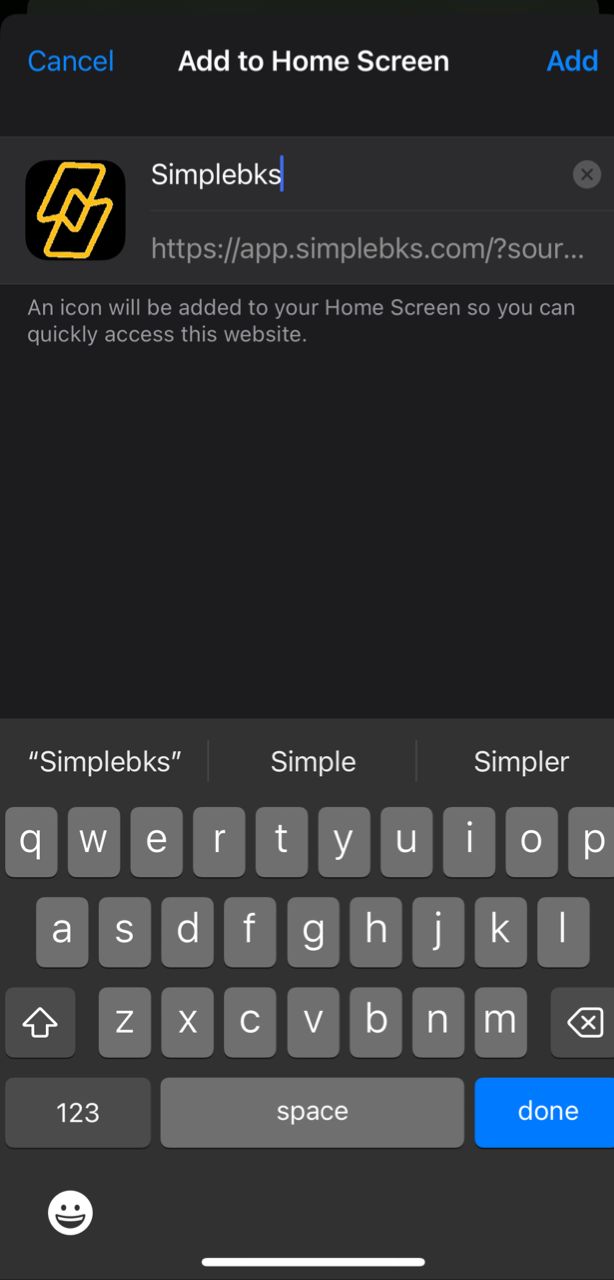
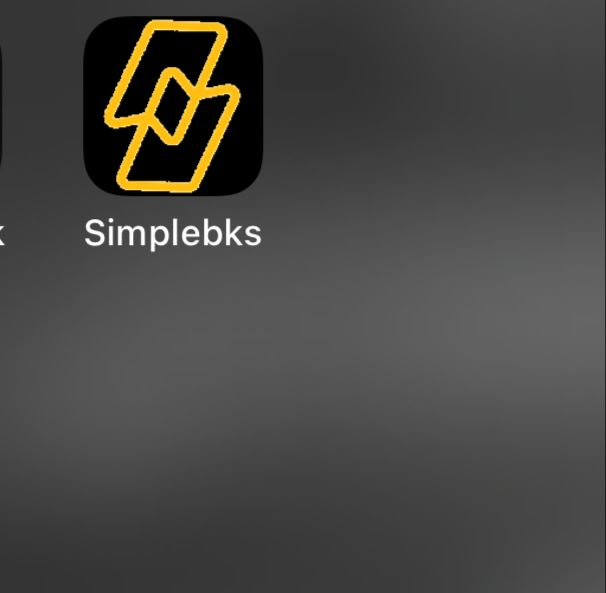
Simplebks will be automatically added to your Mobile App home screen and next time you can open it as an App
Was this article helpful?