How to add Simplebks to display like a desktop app on your PC
updated 10 months ago
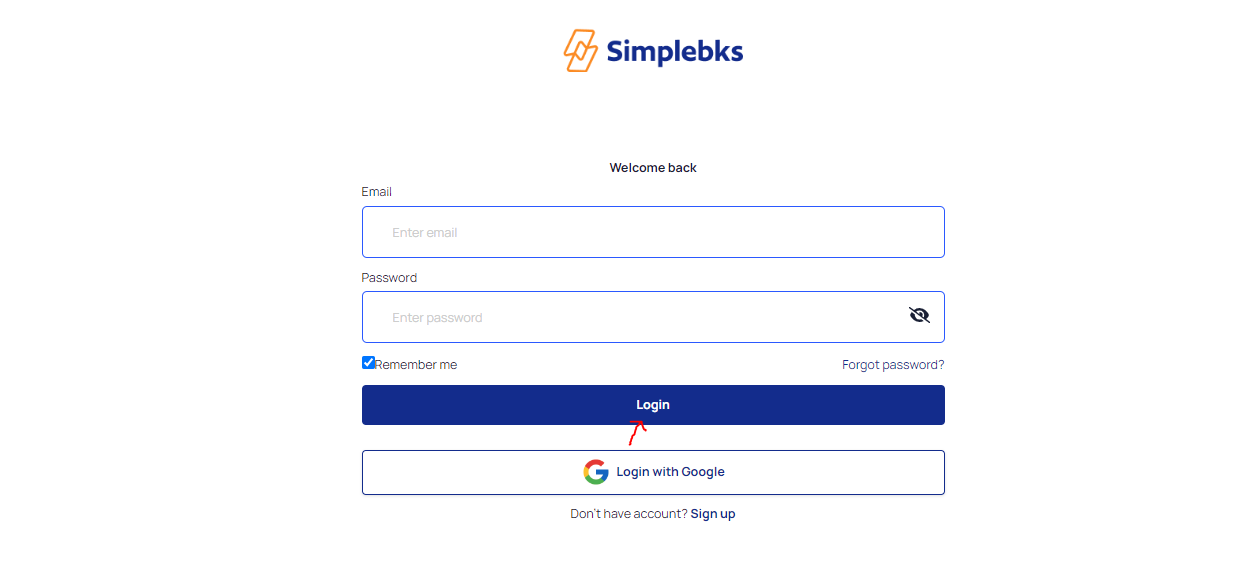
Log in to http://app.simplebks.com
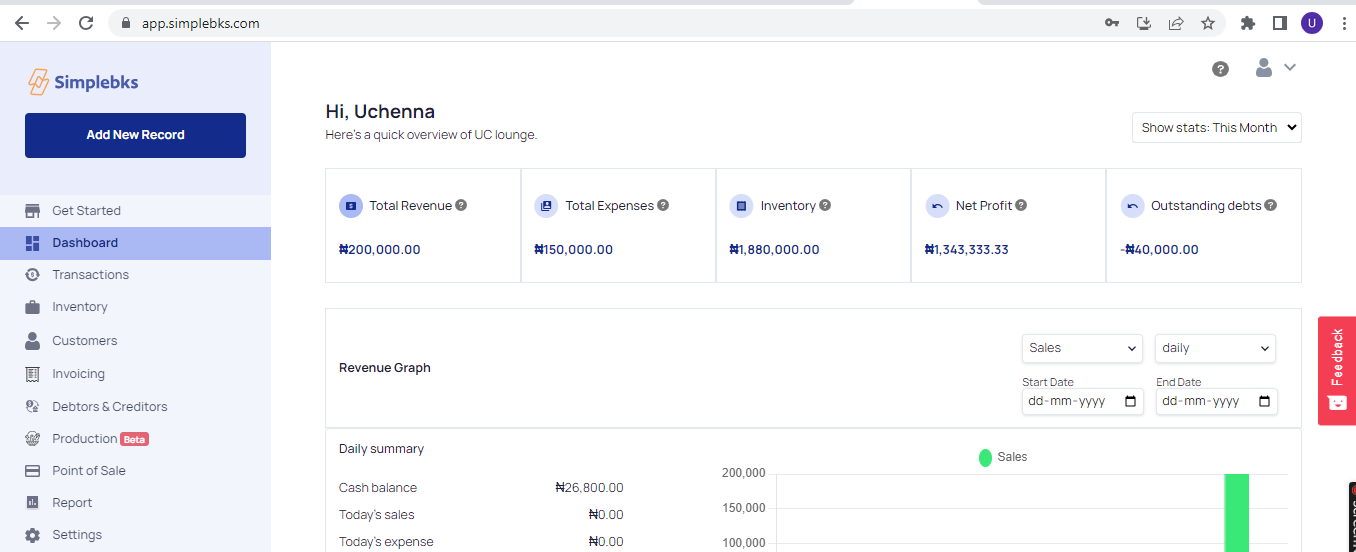
Navigate to the Top Right of your Chrome
Click on the 3-dot icon at the top right of your PC
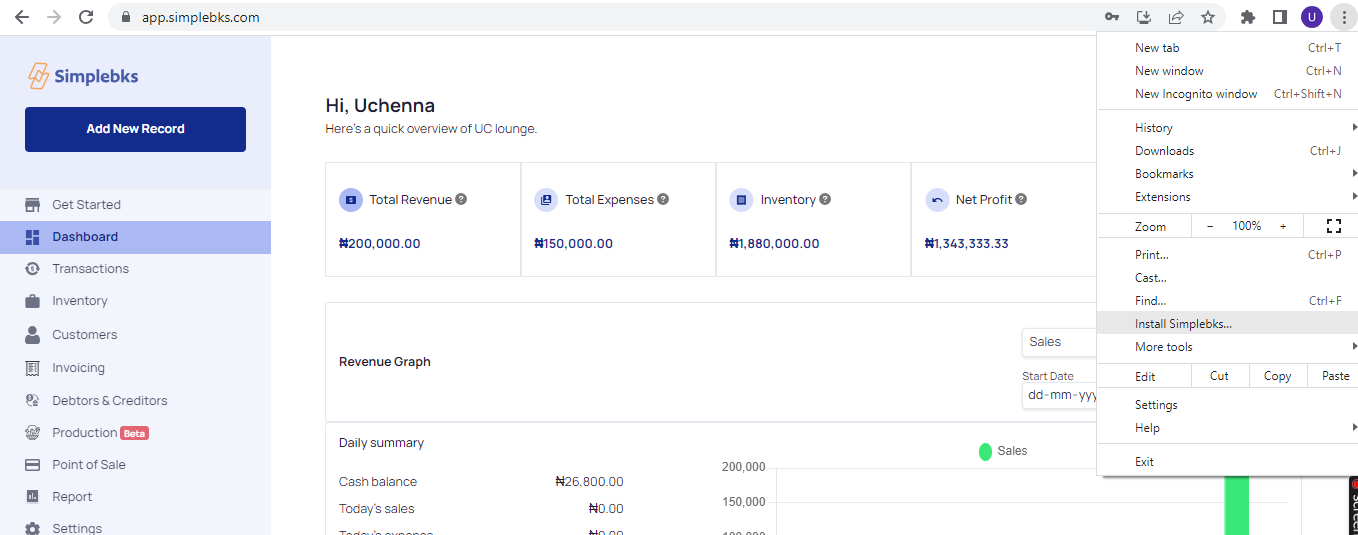
From the drop down> Click on Install Simplebks
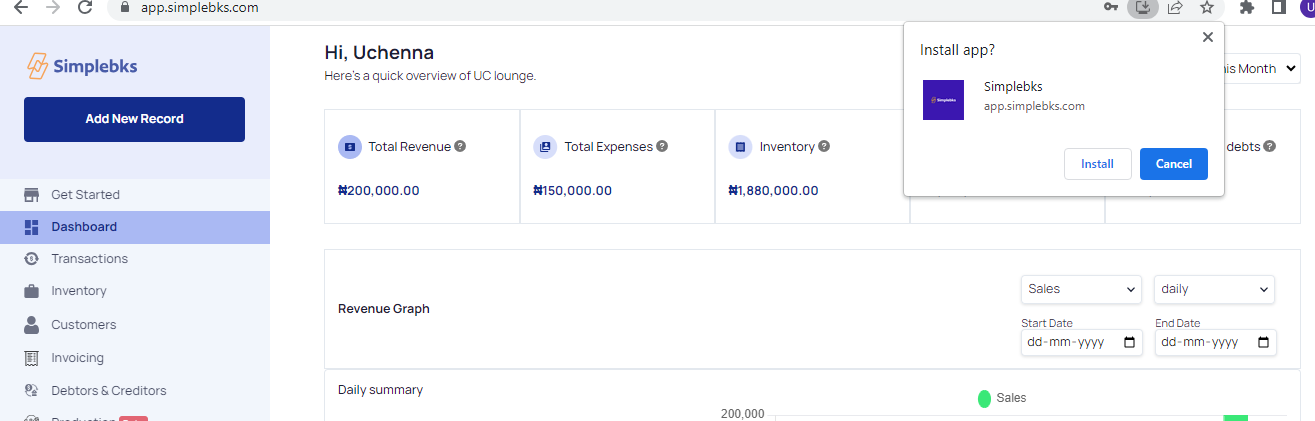
Click on Install
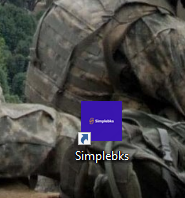
Simplebks App already displayed on your PC
Was this article helpful?