How to add Simplebks to display like a mobile app on your Phone: Android Version
updated 11 months ago
With the widespread use of smartphones and mobile devices, having your Simplebks account displayed like a mobile app makes it more accessible to users. Users can easily access their financial information and perform accounting tasks on the go, without the need for a computer or laptop.
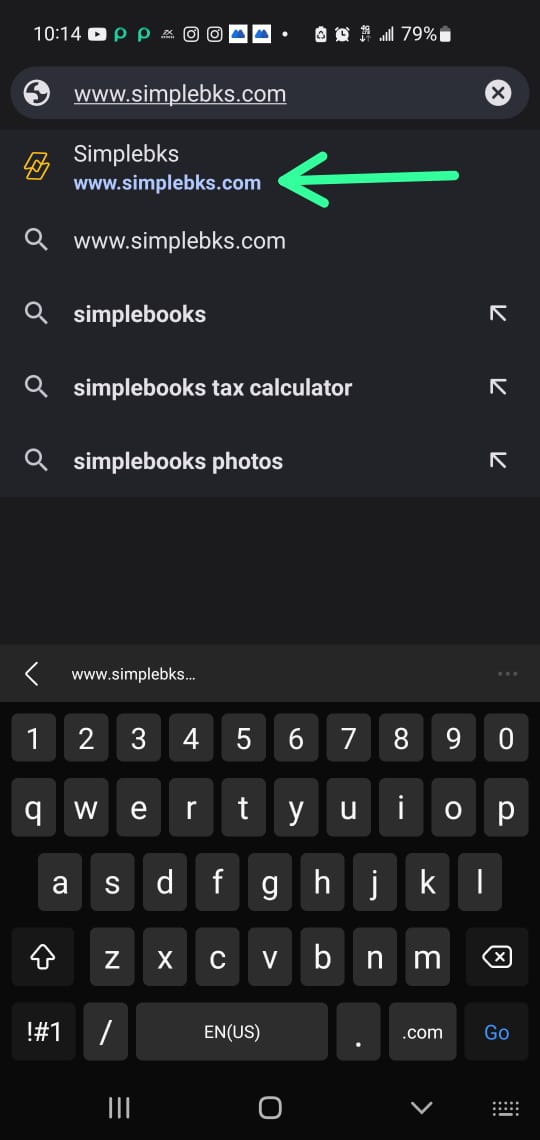
Log in to www.simplebks.com
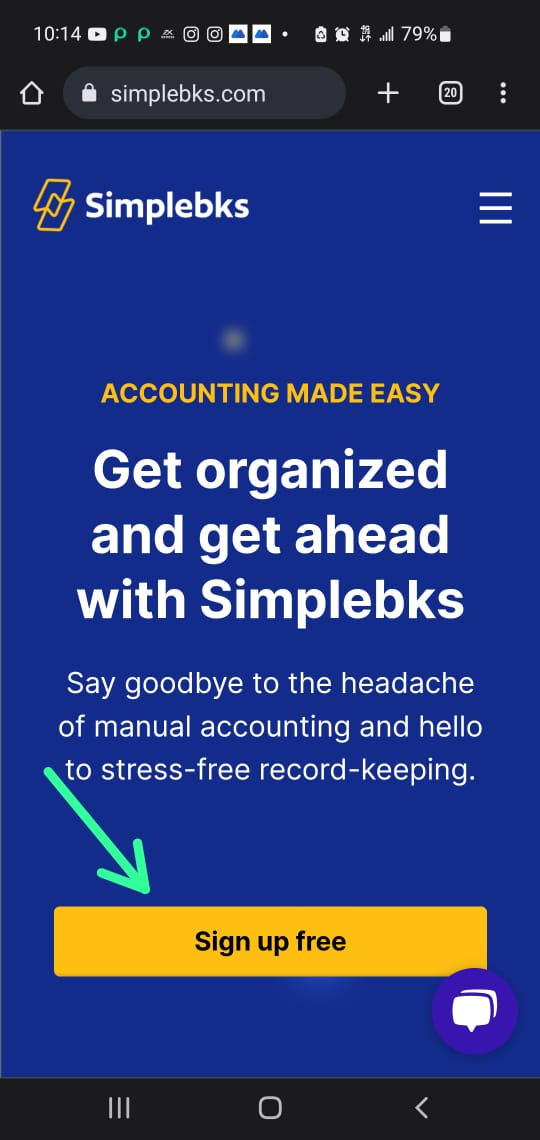
Click on Sign Up/Sign In
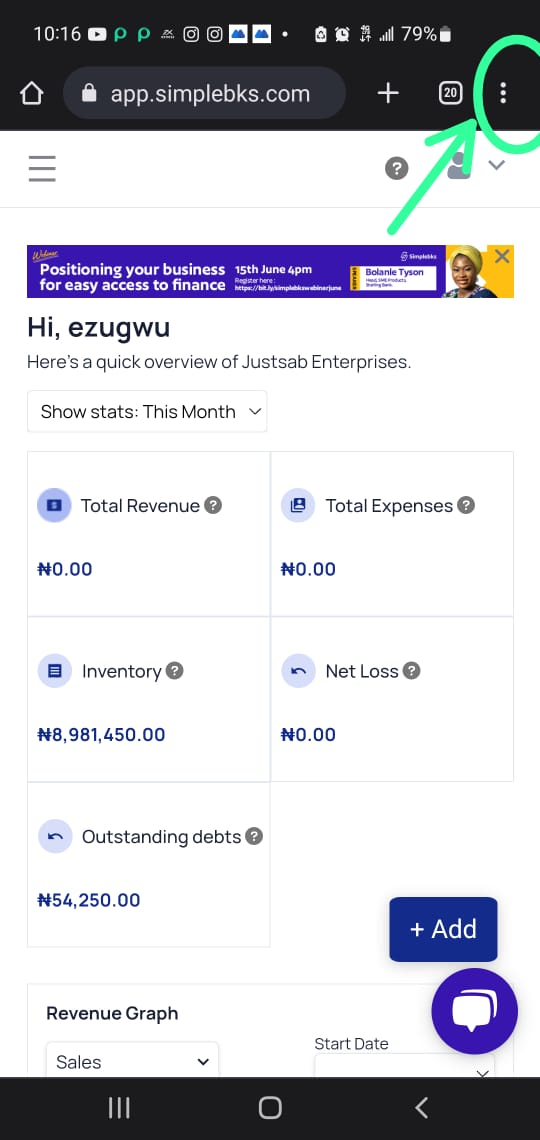
Navigate to the top right of your chrome
Click on the 3-dot icon
Click Install App
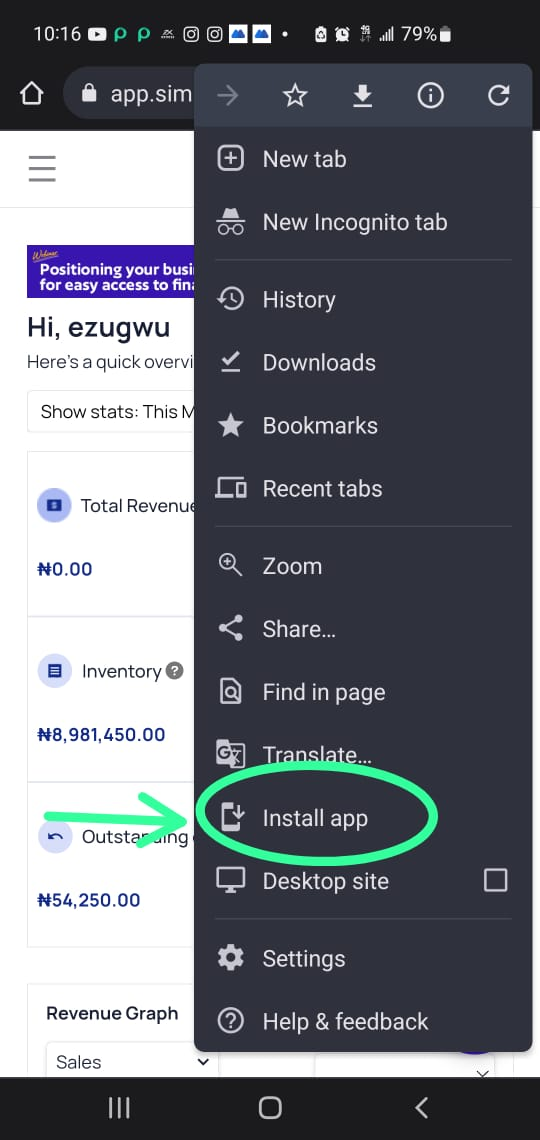
Simplebks will be installed as an application on your Mobile Phone
Was this article helpful?