How do I create a Simplebks account?
updated 3 months ago
In this article:
Creating a Simplebks account is free, easy, and can be done in a few minutes. First, by providing your personal details or Signing up with your Google account. The steps below should guide you in creating your account and tracking your business performance today.
Creating a Simplebks Account: Step-by-Step Guide
1. Begin by visiting this link to provide your Full Name, Email Address, and Password for your account:https://app.simplebks.com/sign-up
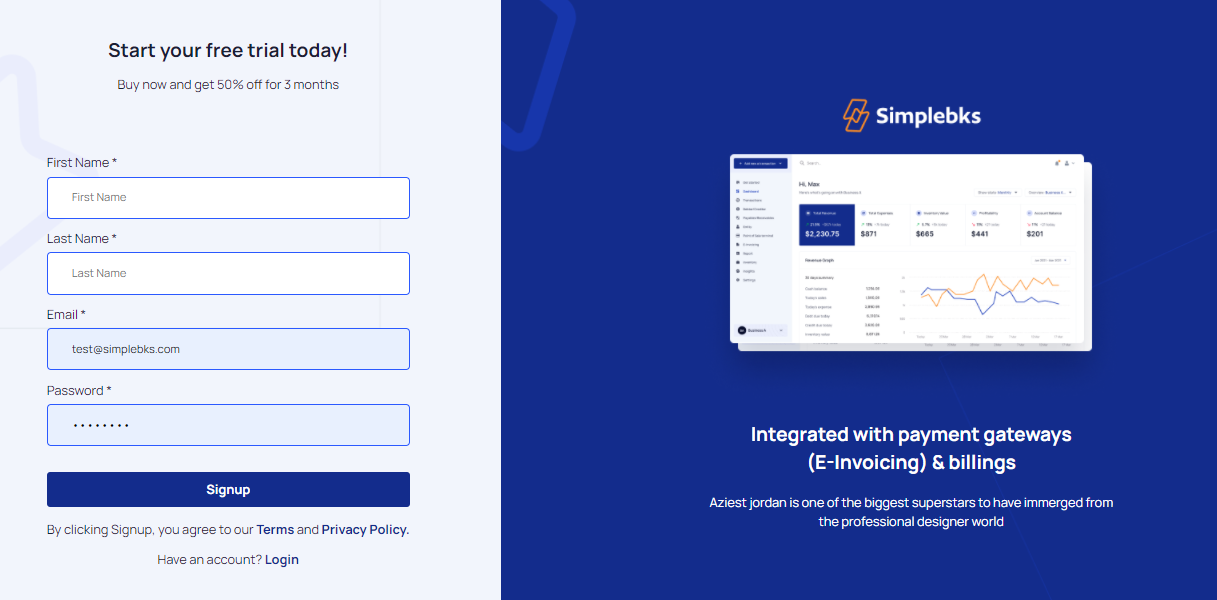
2. At this point, your account has been created. However, we'll need more information about you and your business before you can start using it. You'll be redirected to another page asking for detailed information, simply provide all that is required to complete your setup
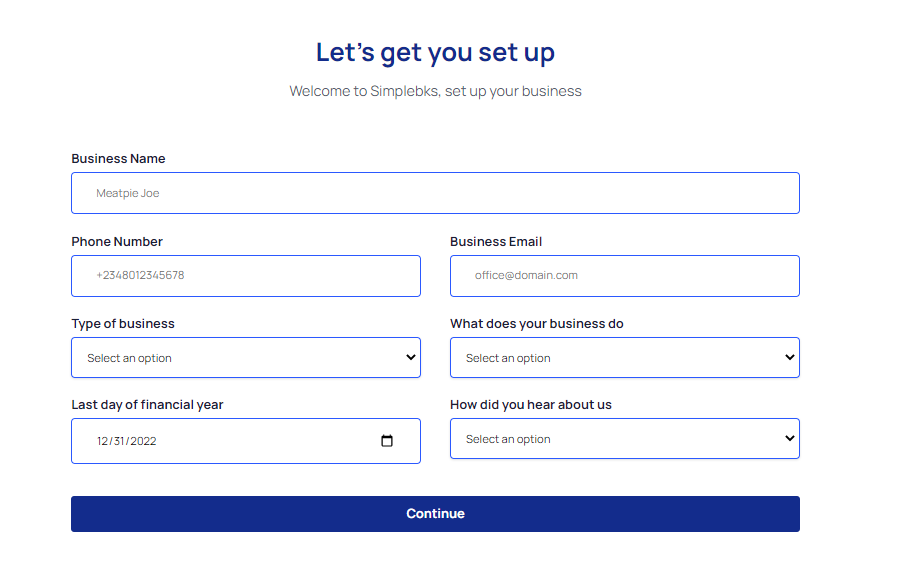
Last day of the financial year: Choose the closing date for your Financial report, typically the last day of the year or the start date of your business.
3. Once setup is complete, you'll be redirected to your dashboard. Congratulations, you've created your Simplebks account!
Start using Simplebks by inviting team members, uploading products, and initiating transactions.
For the next steps after creating your account, here are guides:
How to upload your products and inventory
GOOGLE SIGN-UP
The addition of Google Sign-Up to our esteemed help desk platform makes it even easier for you to access and utilize our comprehensive support services. With this new feature, you can now create an account using your existing Google credentials, streamlining the sign-up process and enhancing your overall user experience.
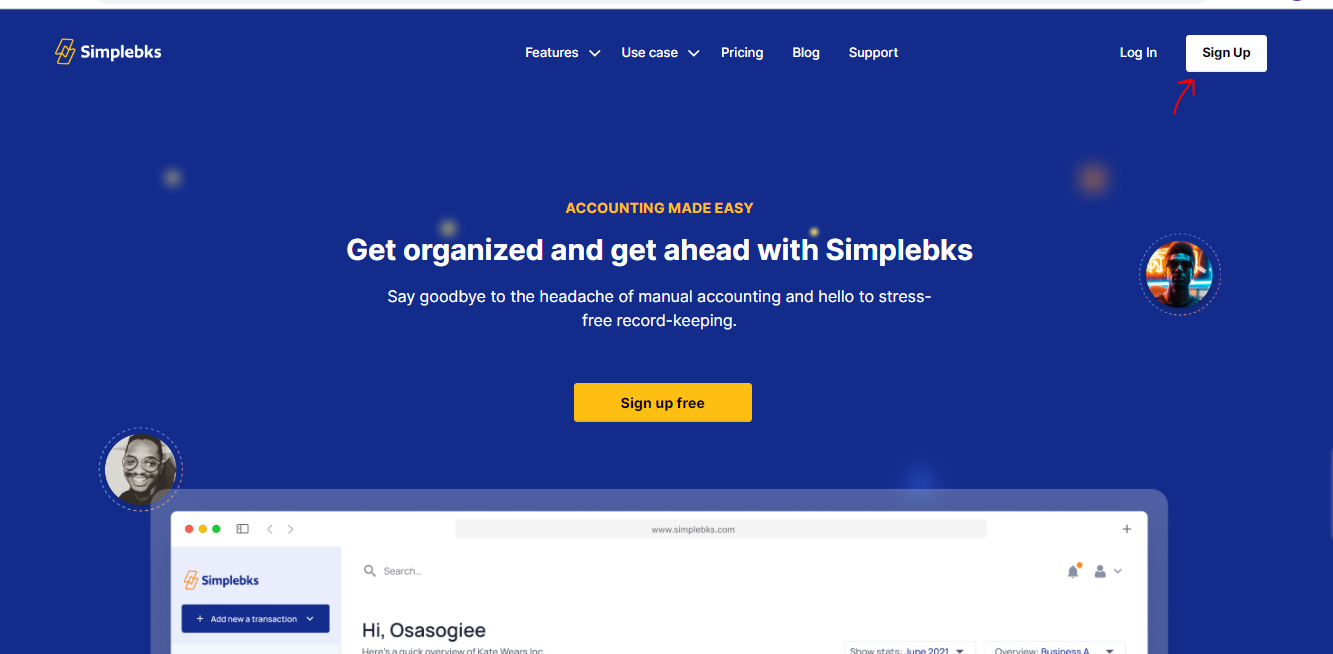
Following this link http://app.simplebks.com
Click on Sign-up
Click on Sign up with Google
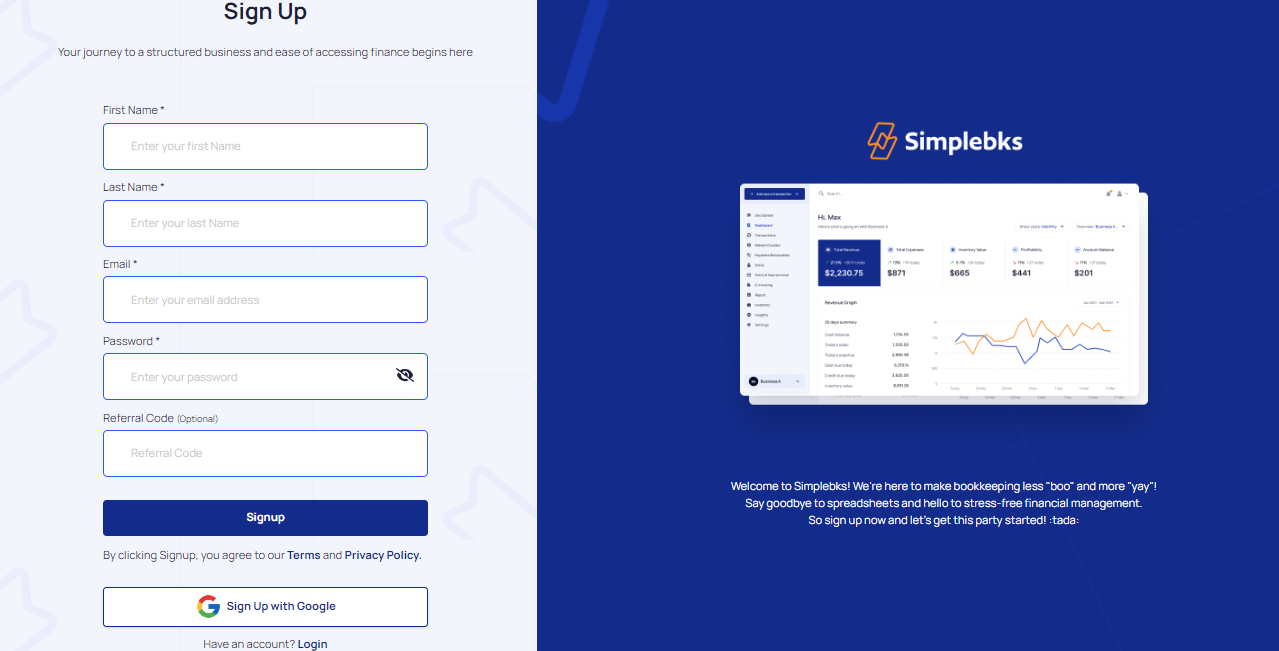
Select your google account
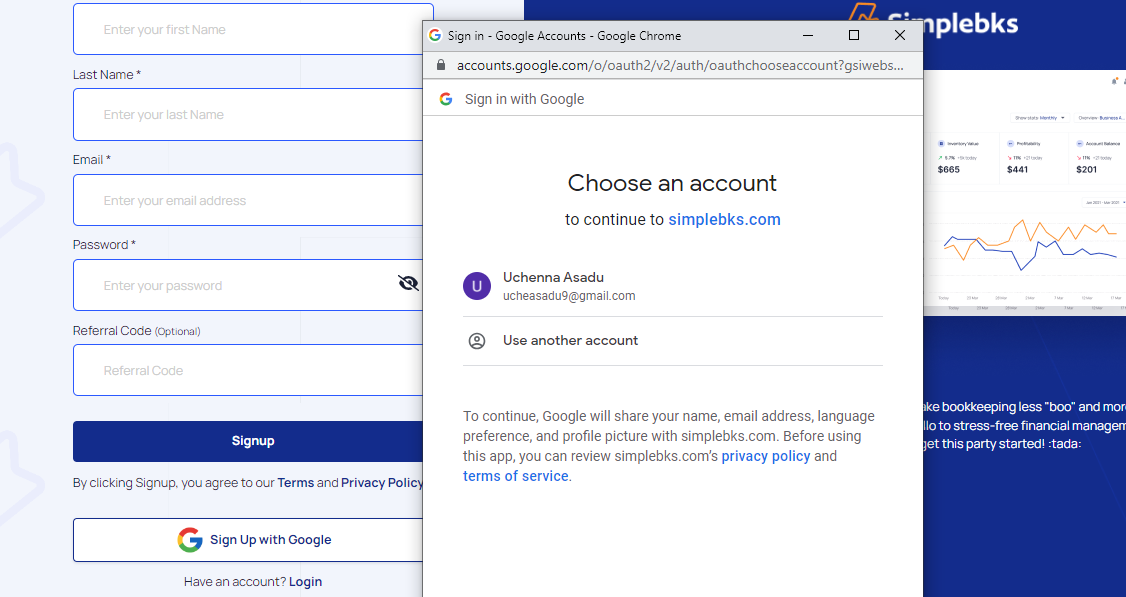
Your account is now created using Google credentials.
Your account is now created using Google credentials.
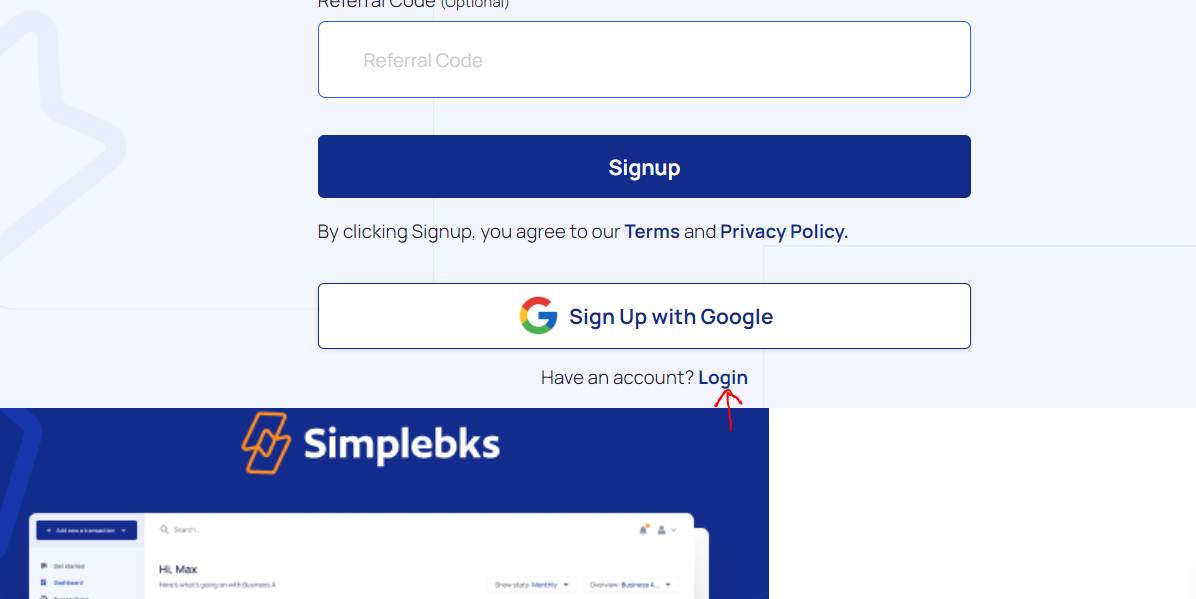
Click on Login> If you already have an account
Was this article helpful?