How to add a customer
updated 1 year ago
Log in to http://app.simplebks.com
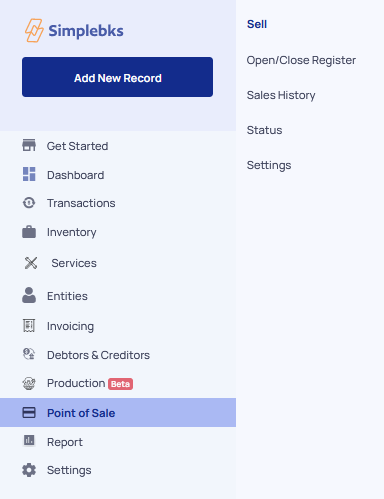
Scroll down, and click on Point Of Sale> Sell
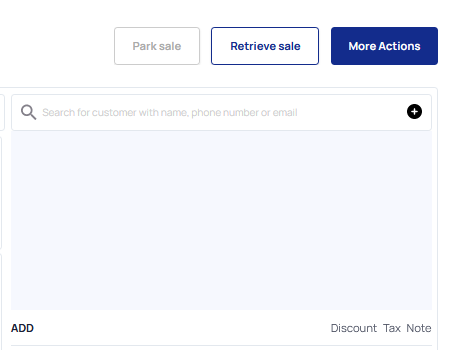
Click on the (+) icon
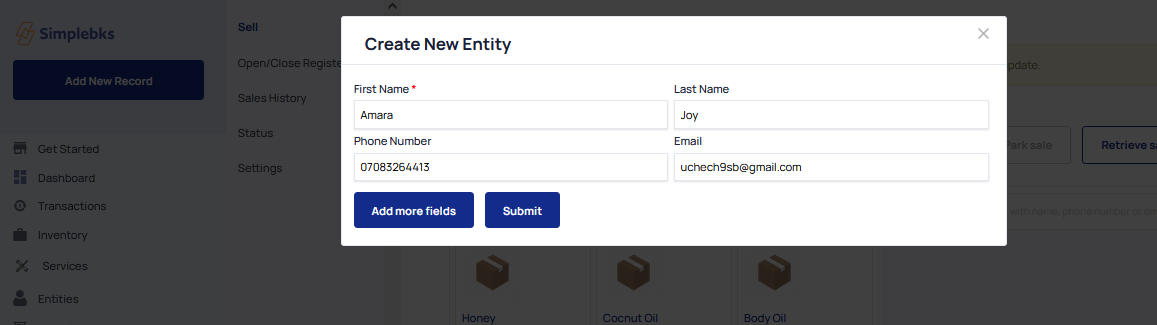
Fill in the Customer's First Name, Last Name, Phone Number, Email
Click on Add more fields to add more of the customer's details
Click on Submit
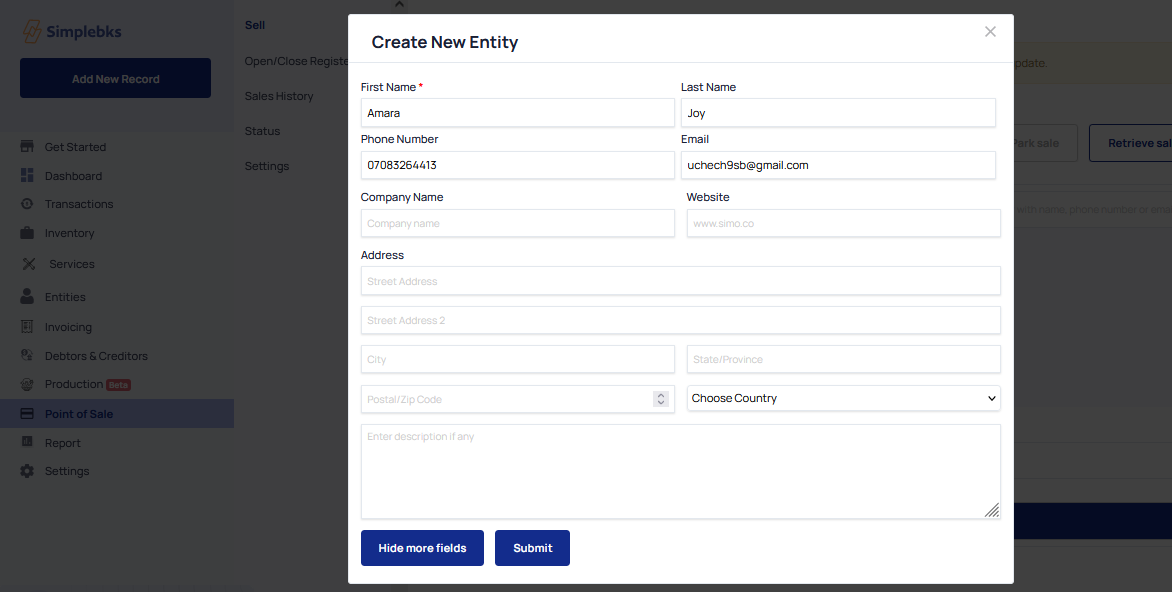
The Entity will be created successfully.
Was this article helpful?