How to open a daily register
updated 10 months ago
Log in to http://app.simplebks.com
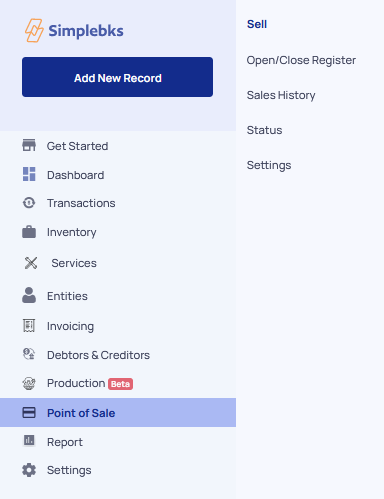
Scroll down, and click on Point Of Sale
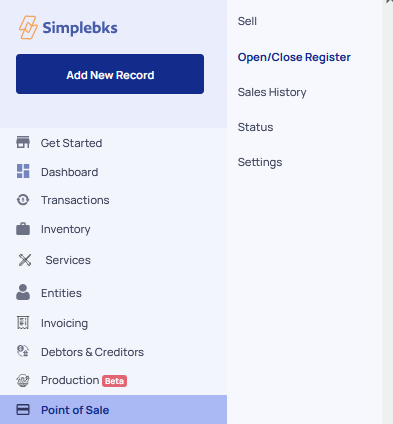
Go to Open/Close Register
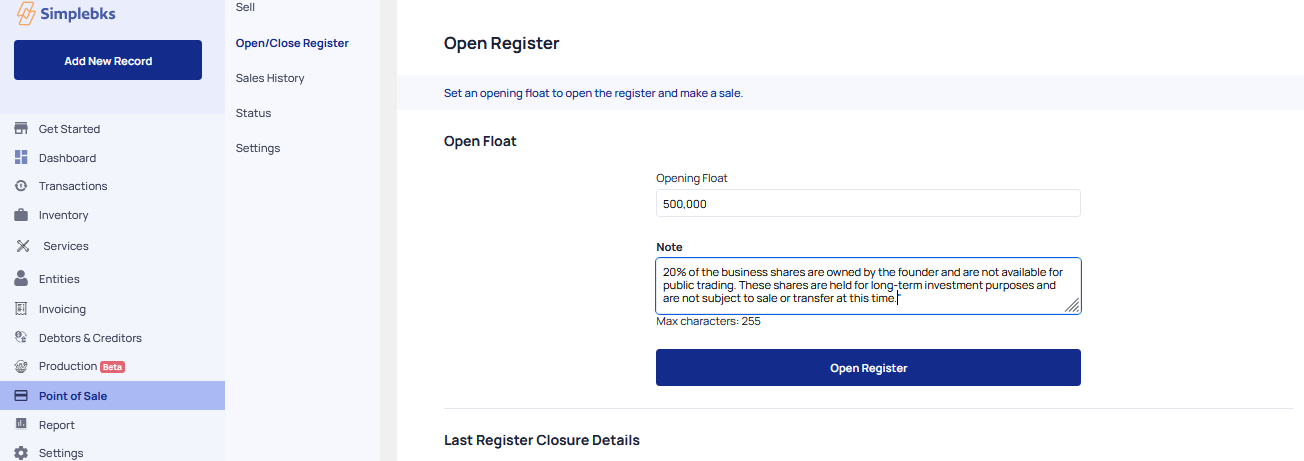
Indicate the Opening Float, to open the register and make a sale
Enter a Note
Click on Open Register
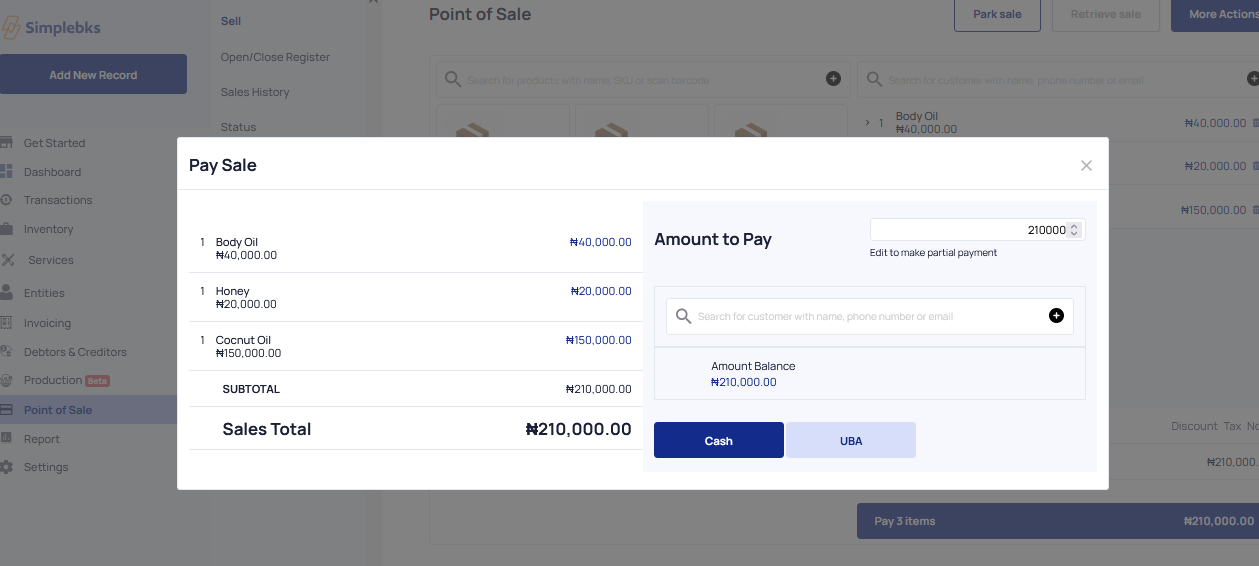
Select the products and pay for the items.
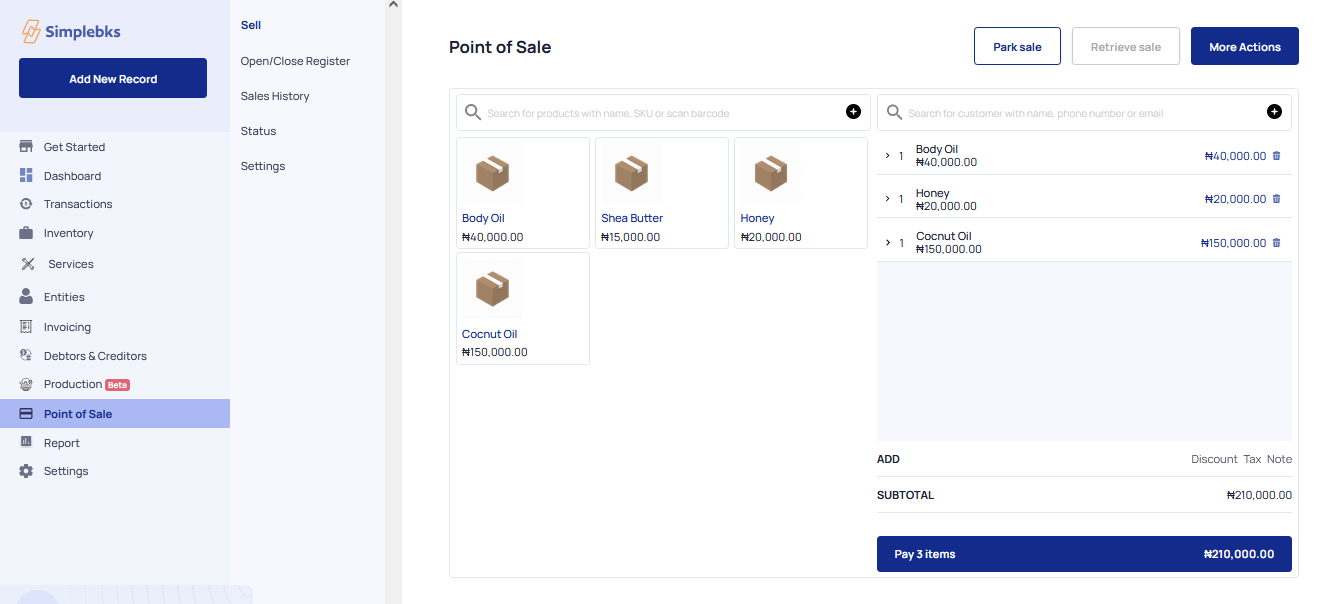
Enter the Customer's name, phone number, and email
Was this article helpful?