How To Activate The Multiple Business
updated 9 months ago
How To Activate Multiple Business
Log in to http://app.simplebks.com
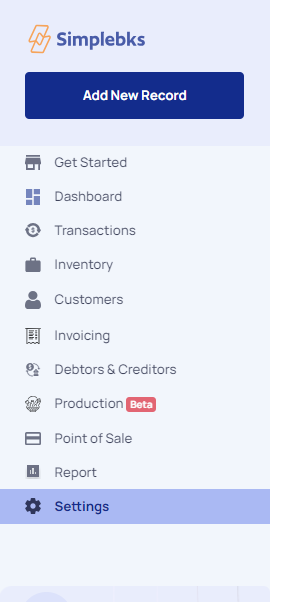
Scroll down to Settings at the left sidebar
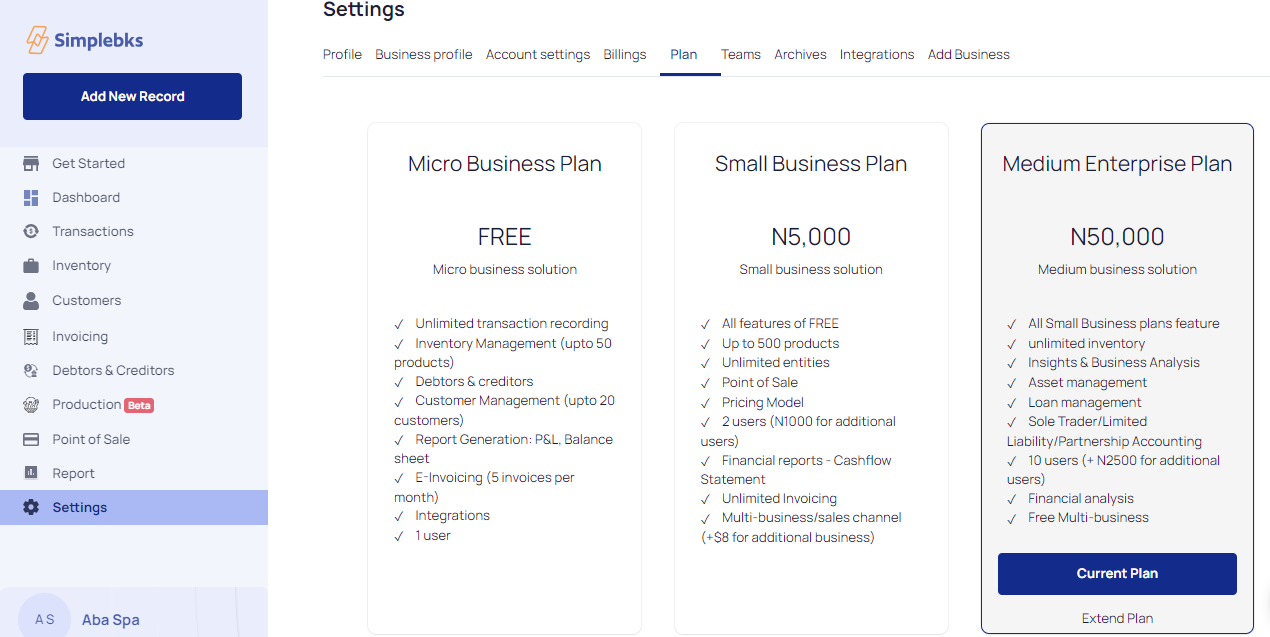
Extend Plan
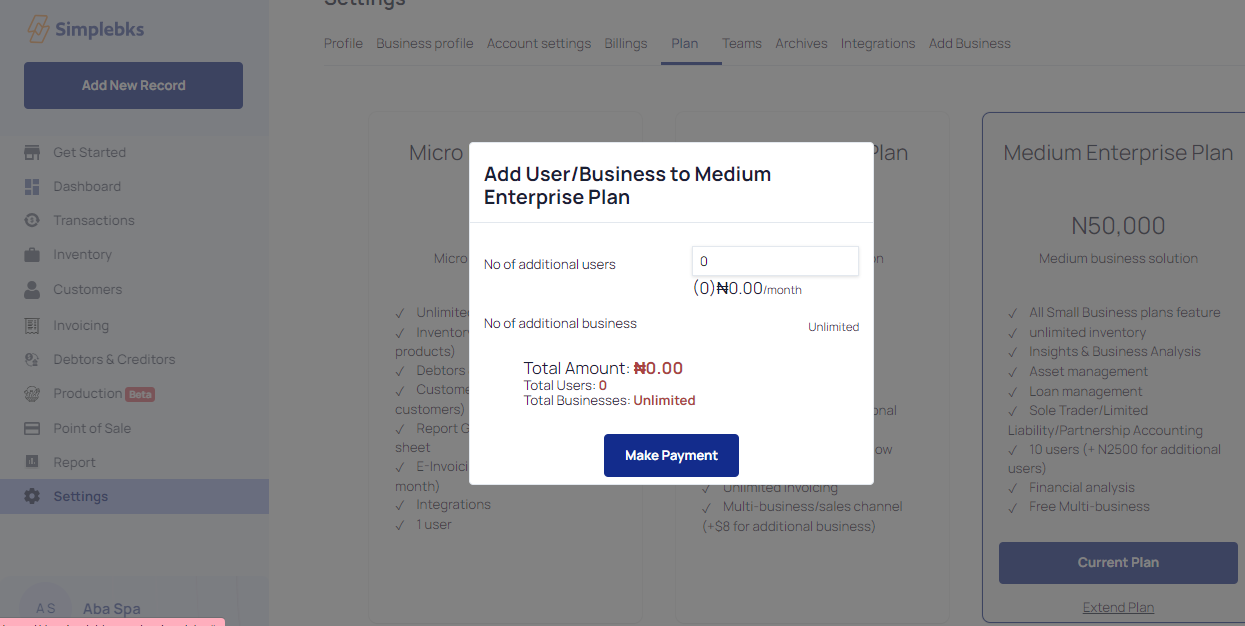
Add User/ Business
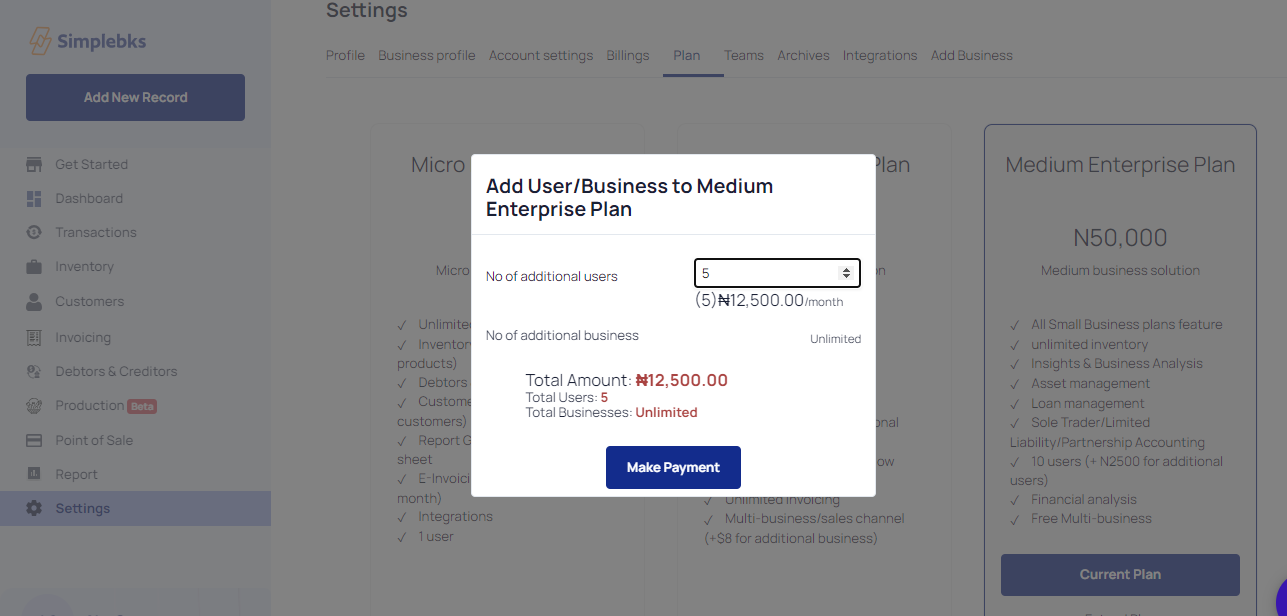
Click on Make Payment
You will be redirected to Paystack to make payment
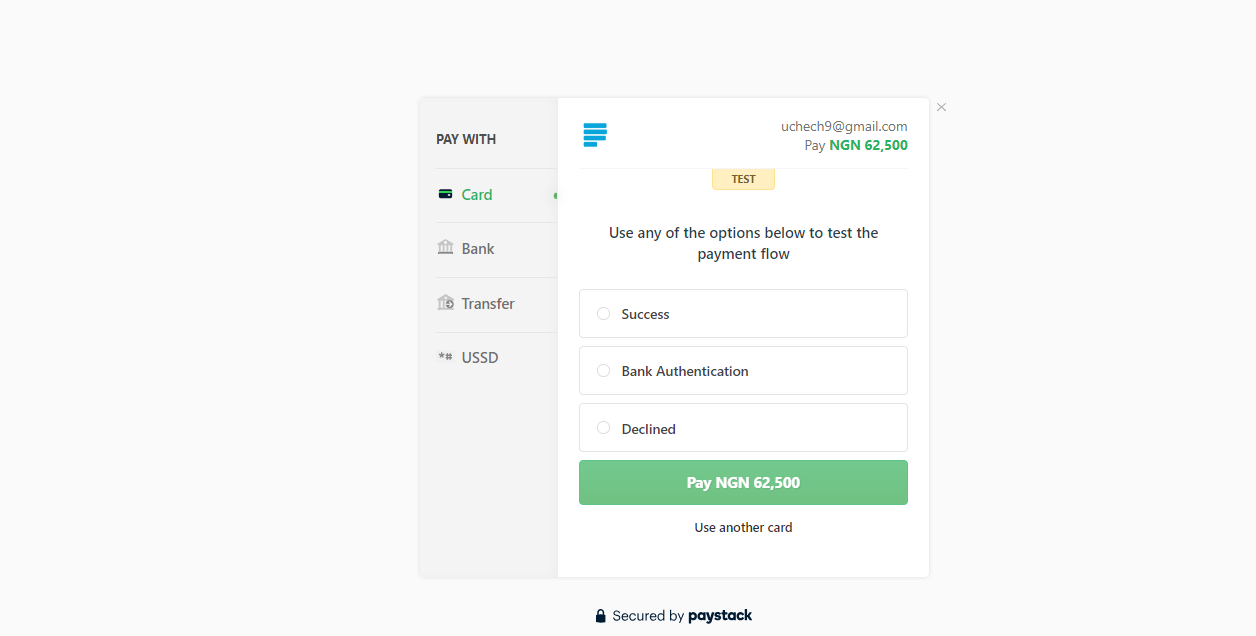
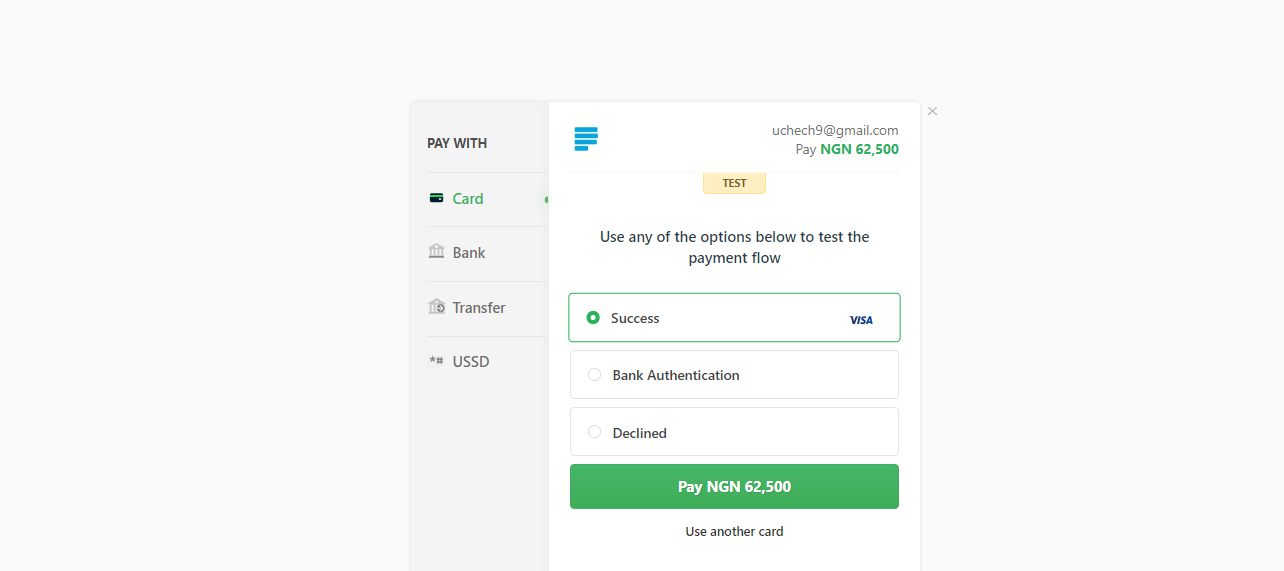
Click on Success and Pay
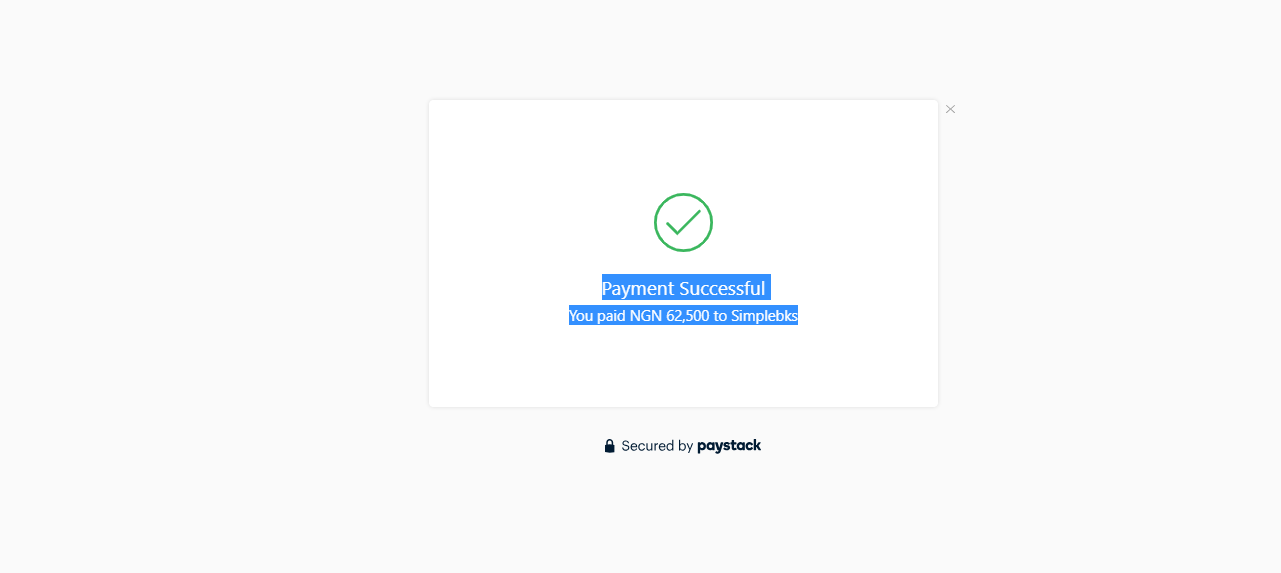
Payment Succesful
Payment Activated
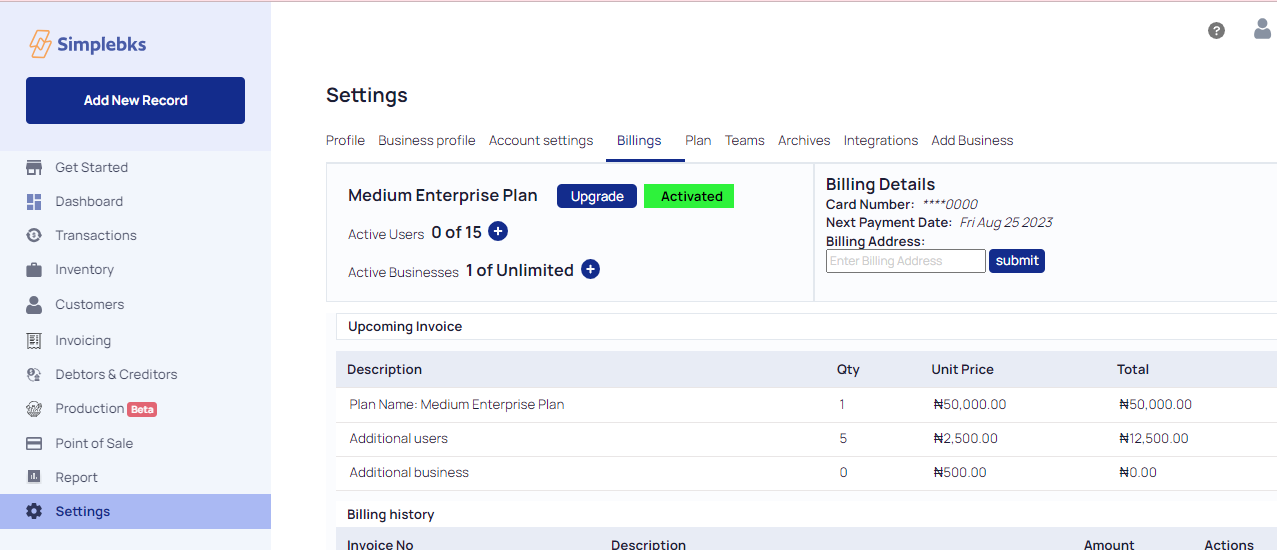
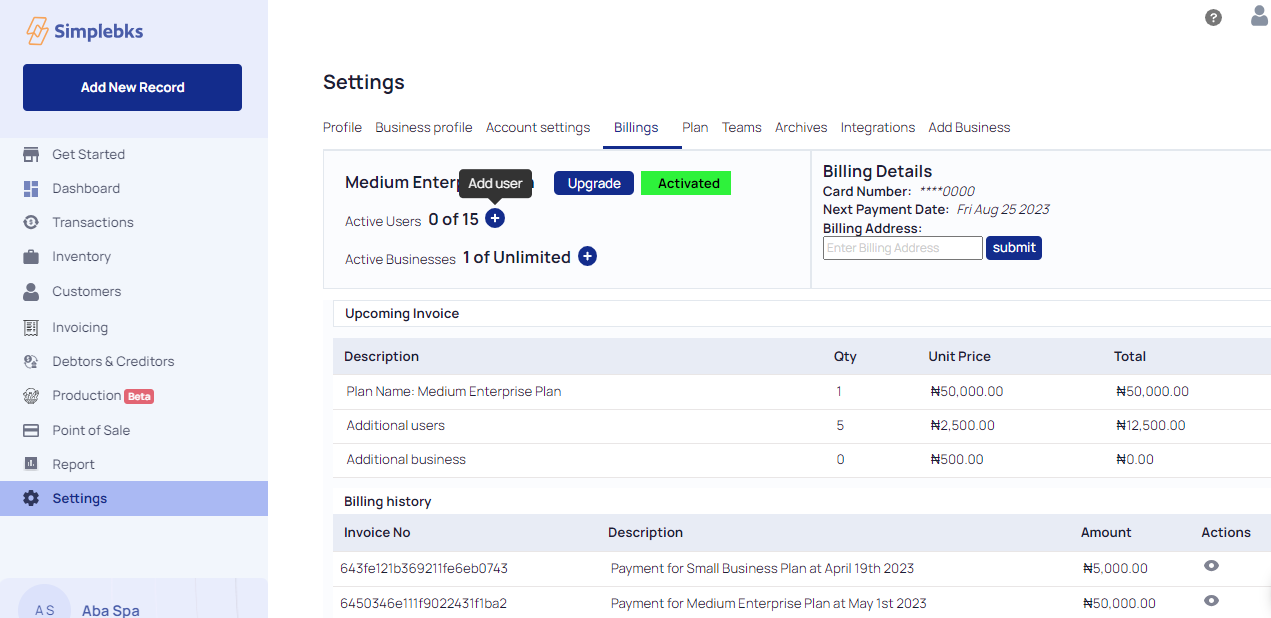
Click on the + icon to Add an active user
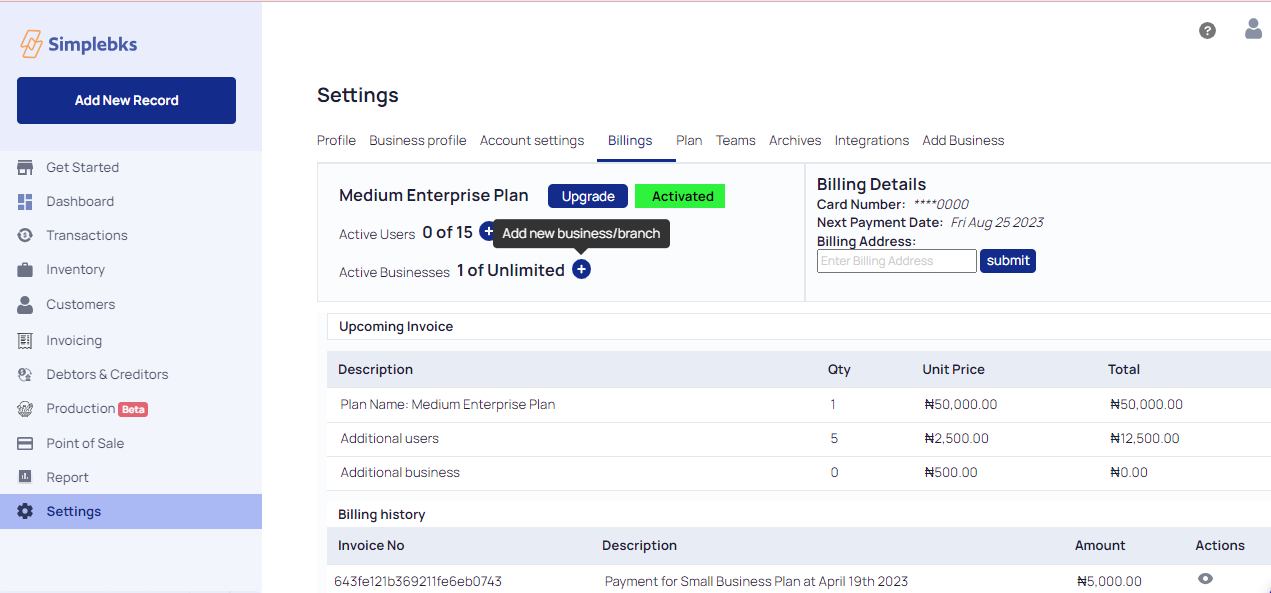
Click on the + icon to Add a new business/branch
Was this article helpful?