How to Add Multiple Business to your Simplebks
updated 9 months ago
Log in to http://app.simplebks.com
Scroll down to Settings at the left sidebar
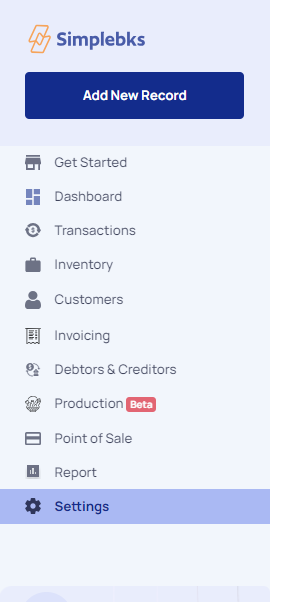
On your settings overview> Move to Add Business
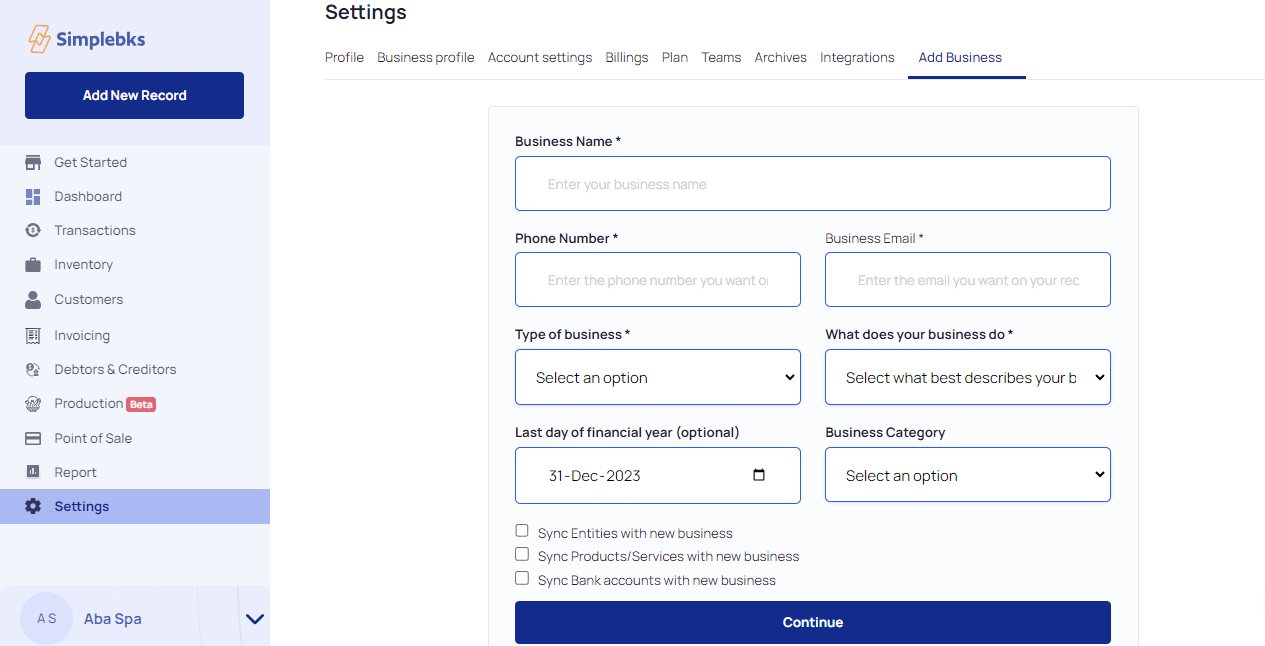
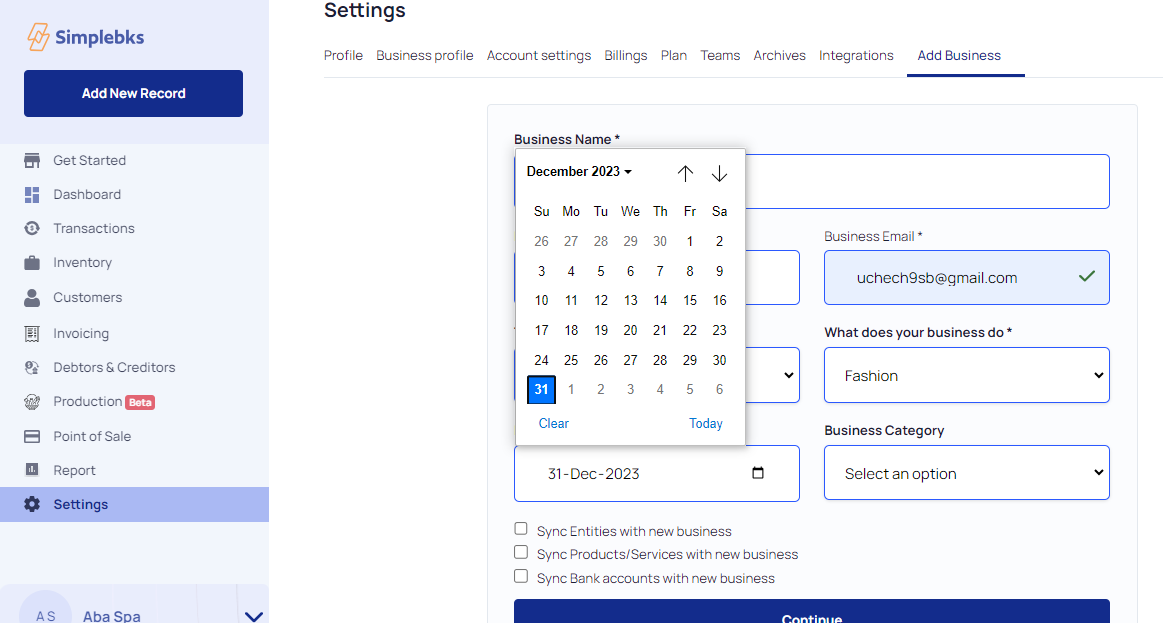
Enter the Business Name, Phone Number and Business Email.
Click on the drop-down to select the Type of Business
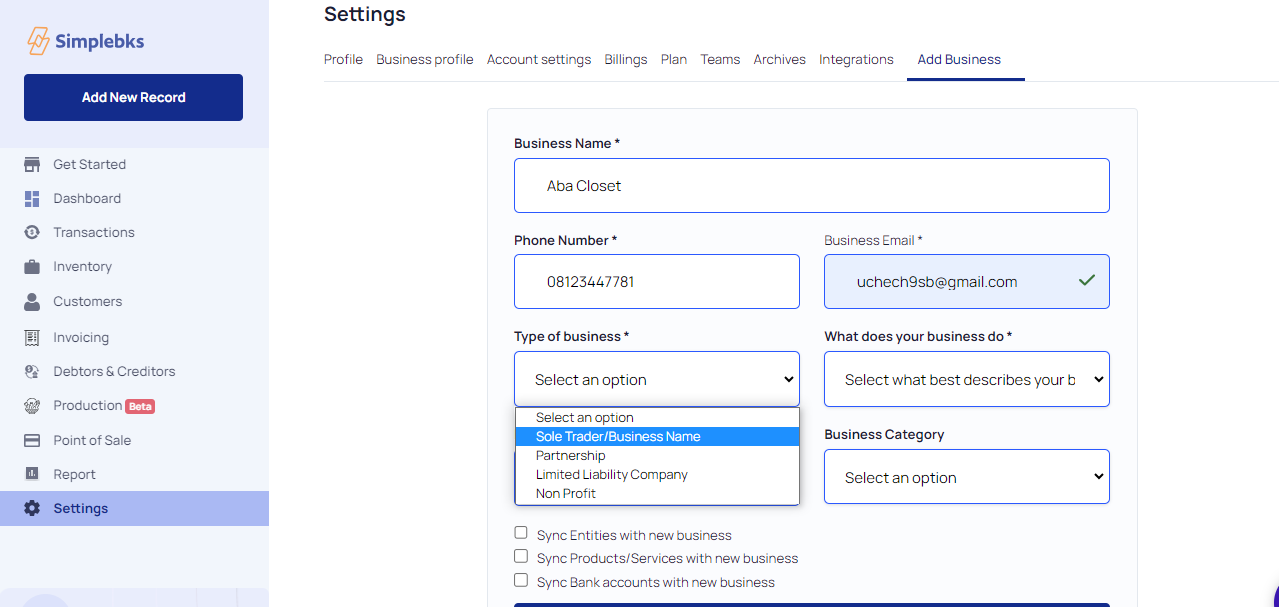
Click on the dropdown to select what products best describe your business
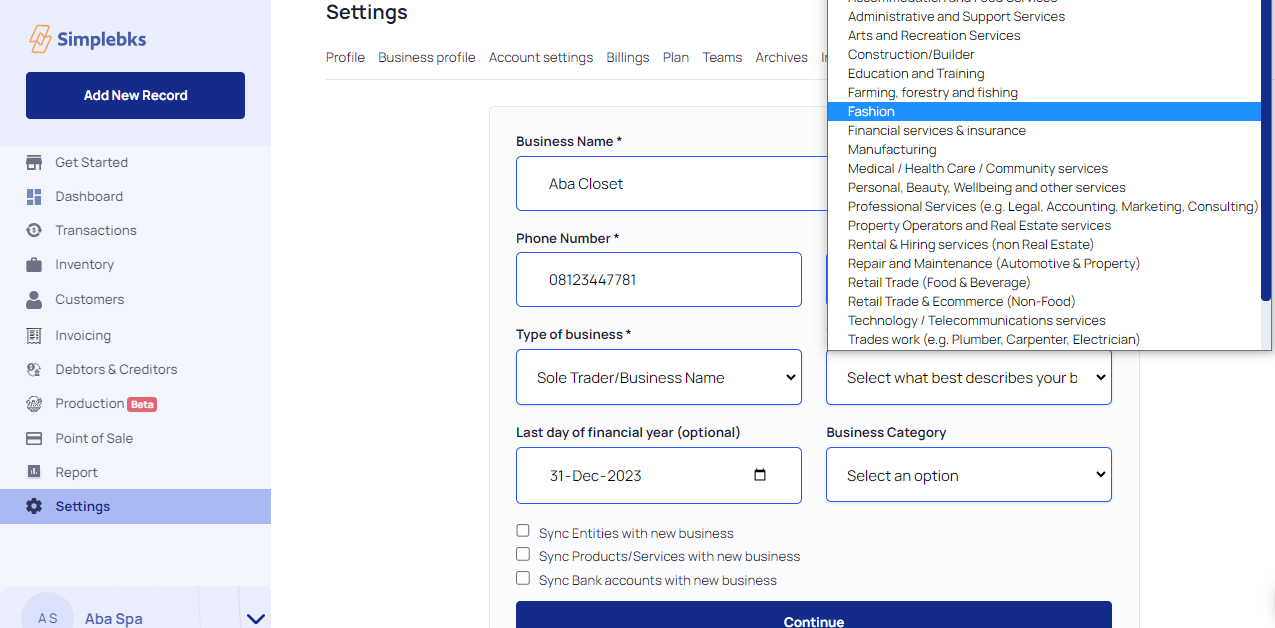
Enter the last day of the financial year. You can make changes
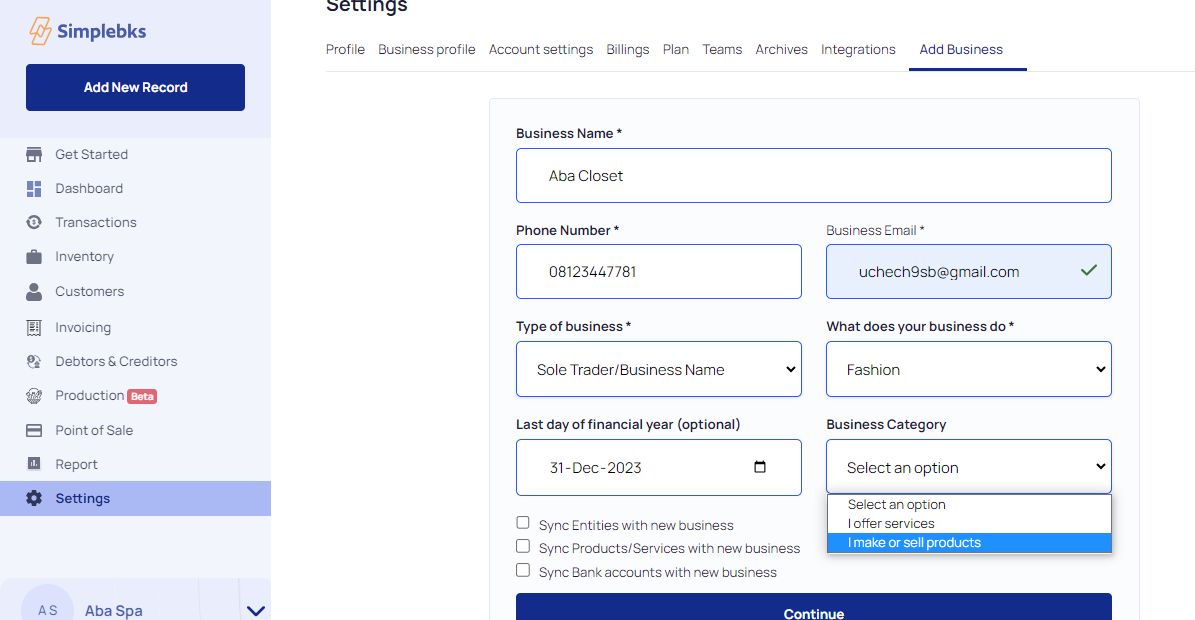
From the dropdown, Select the Business Category
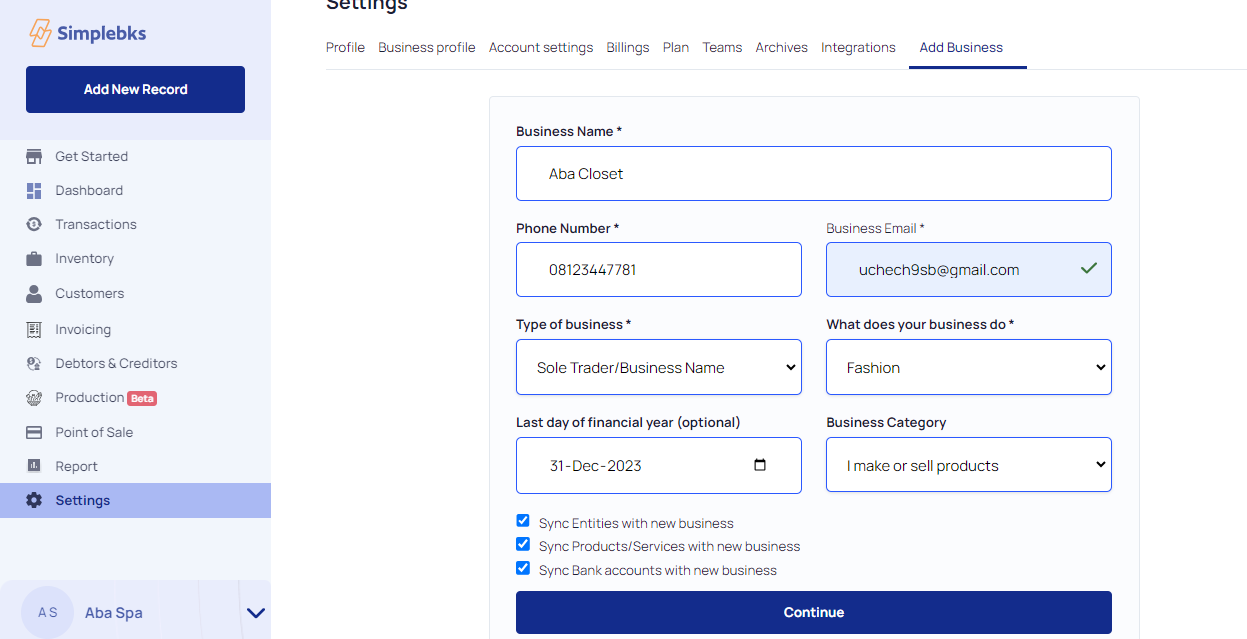
Click on Continue
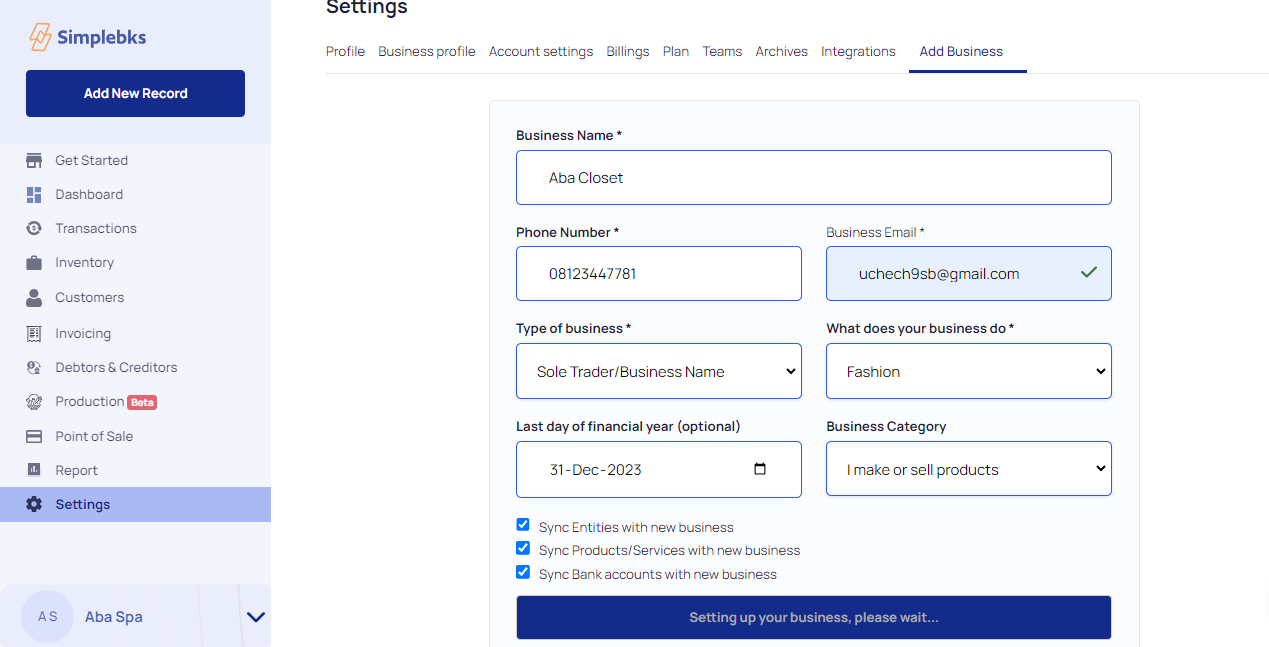
A new business is Setting up.
Go back to your dashboard, click on the arrow icon under the settings and click on the New Business Name
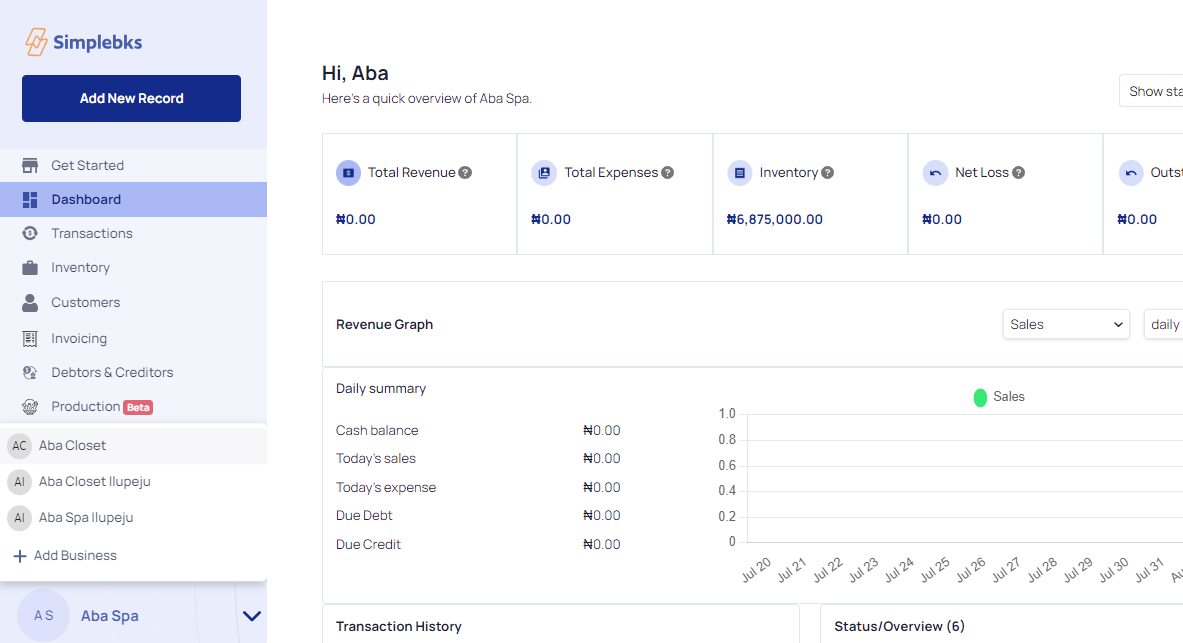
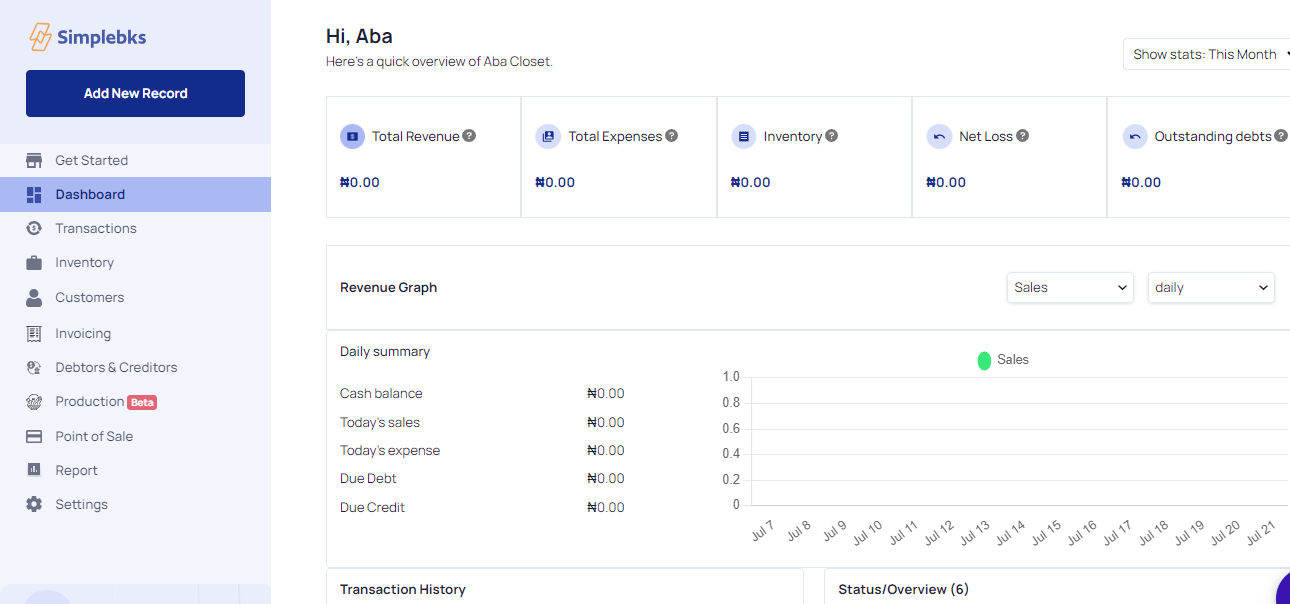
Overview of the New Business
Was this article helpful?