Inventory Report: Weekly
updated 10 months ago
Log in to http://app.simplebks.com
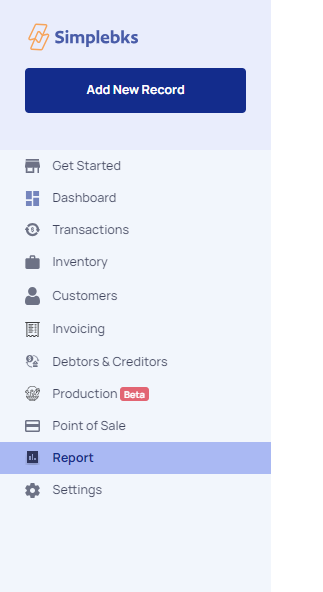
On the left navigation menu, click on Reports
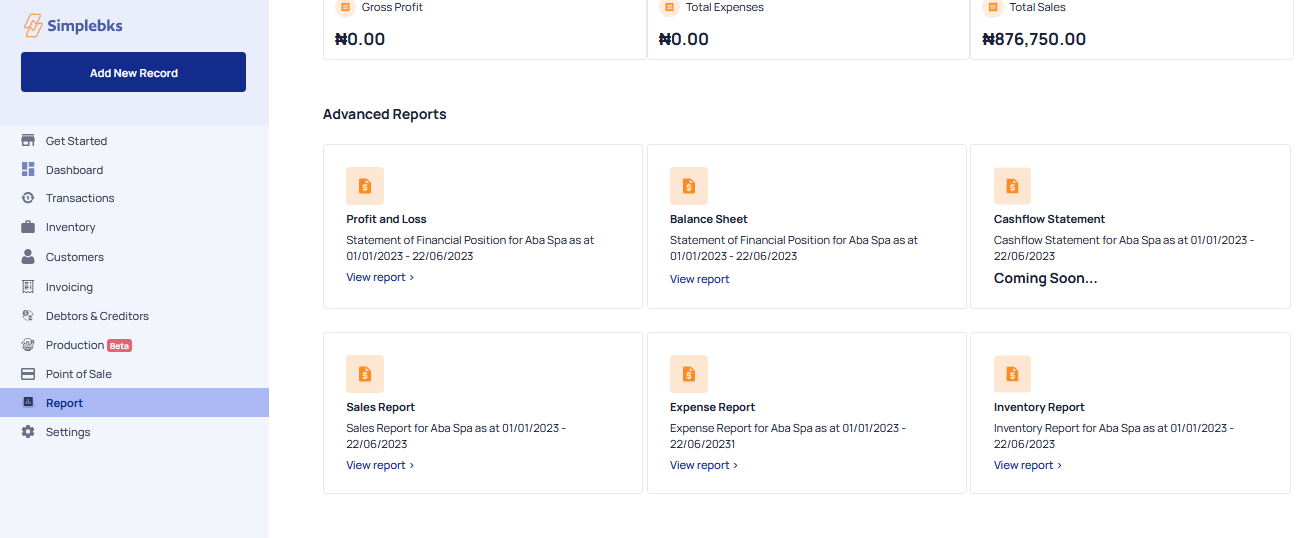
Go to advanced report > Inventory Report> Click on View Reports.
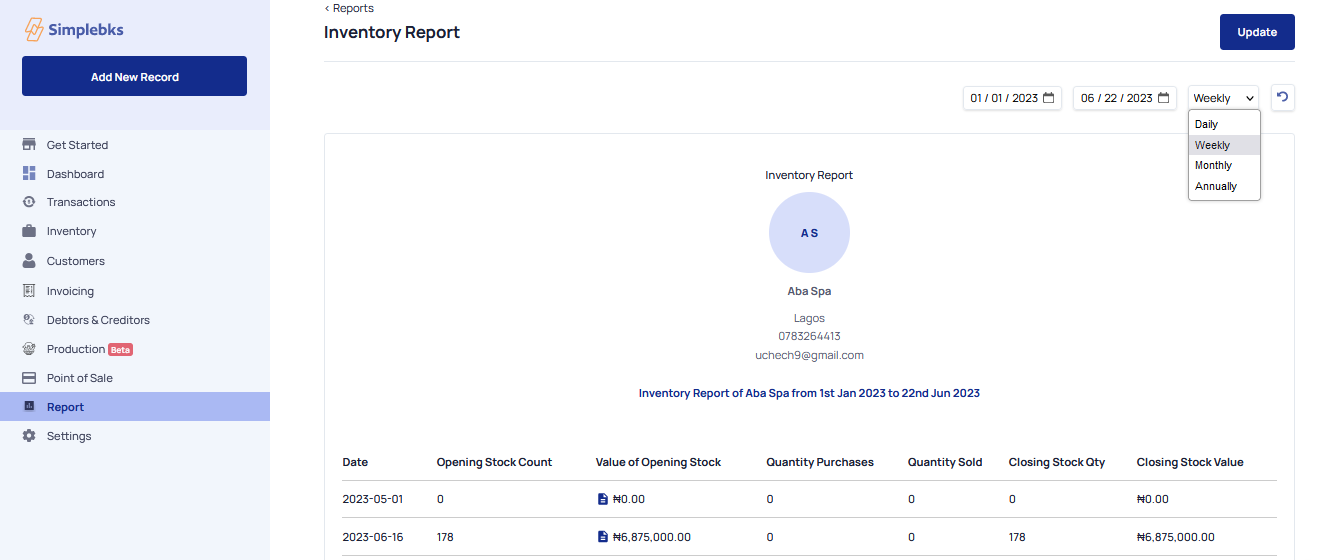
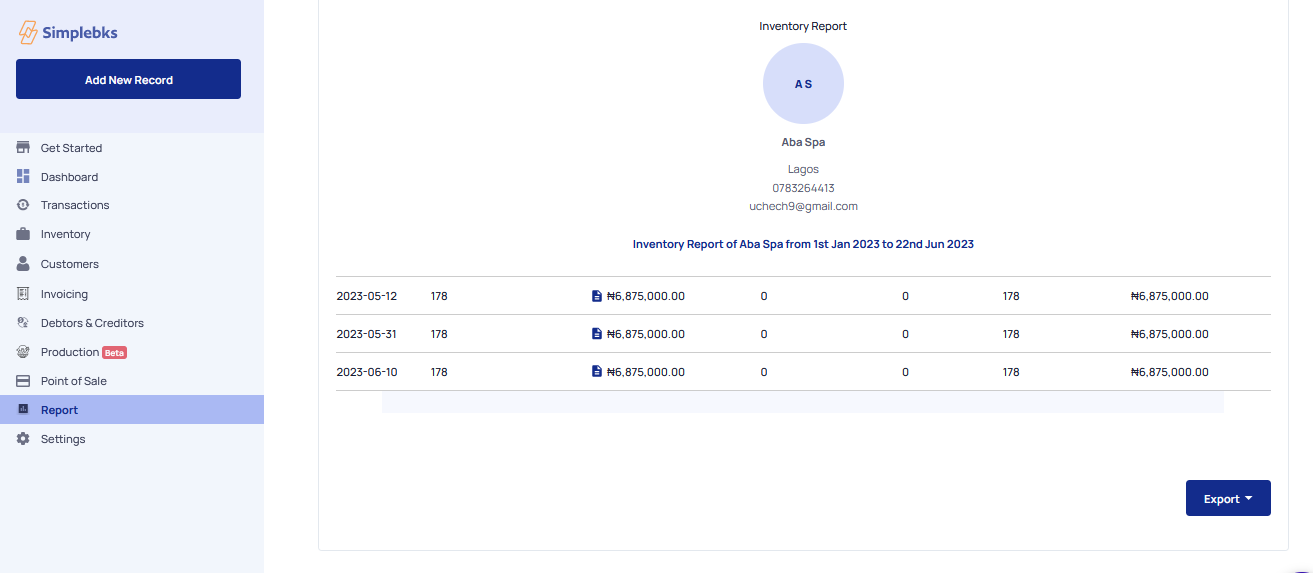
Go to FILTER> From the drop-down click on Weekly to view the Weekly Inventory Report
Weekly Reports
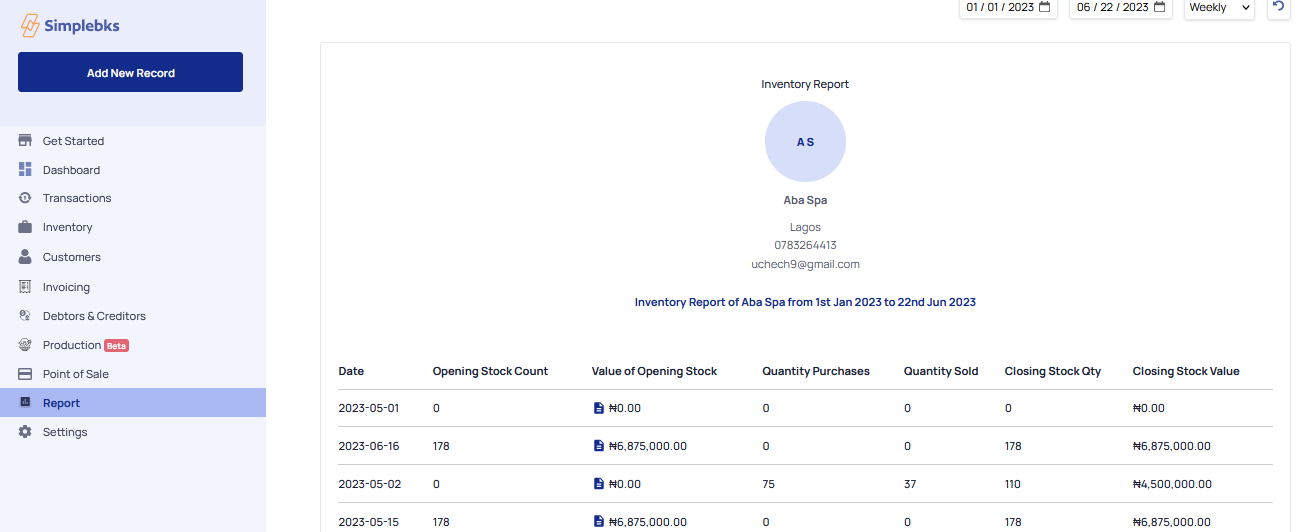
Click on Export> To export your weekly inventory report in a CSV format, it will be automatically downloaded for you in CSV.
Was this article helpful?