How to delete team members
updated 11 months ago
Here is how you can delete team members on Simplebks.
Log on to http://app.simplebks.com
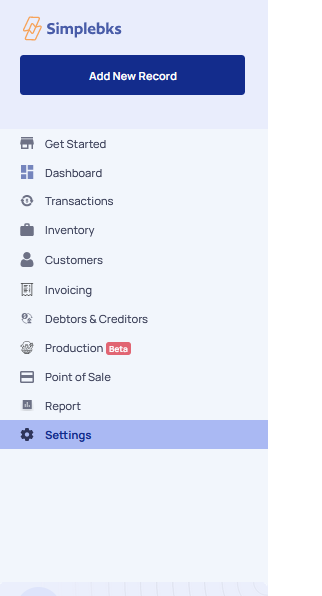
On the left Menu, click on Settings
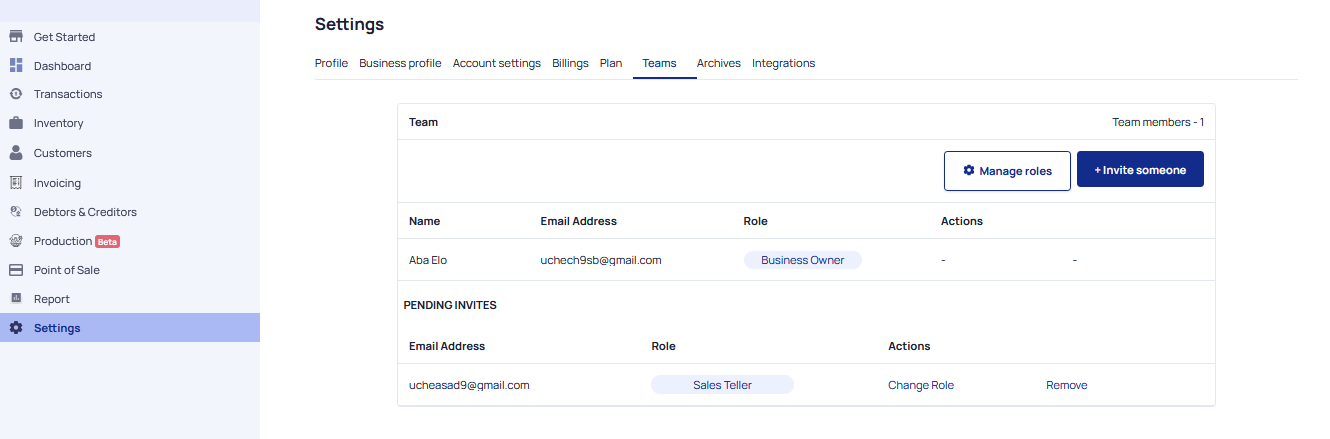
On Settings move to Teams
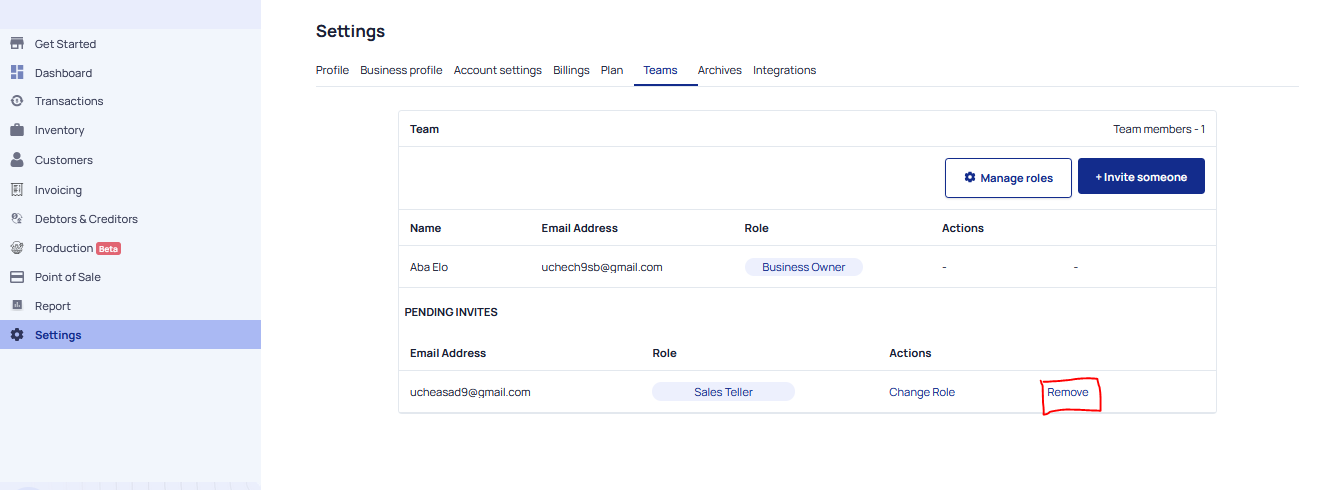
Move to the Invite you wish to delete and click Remove
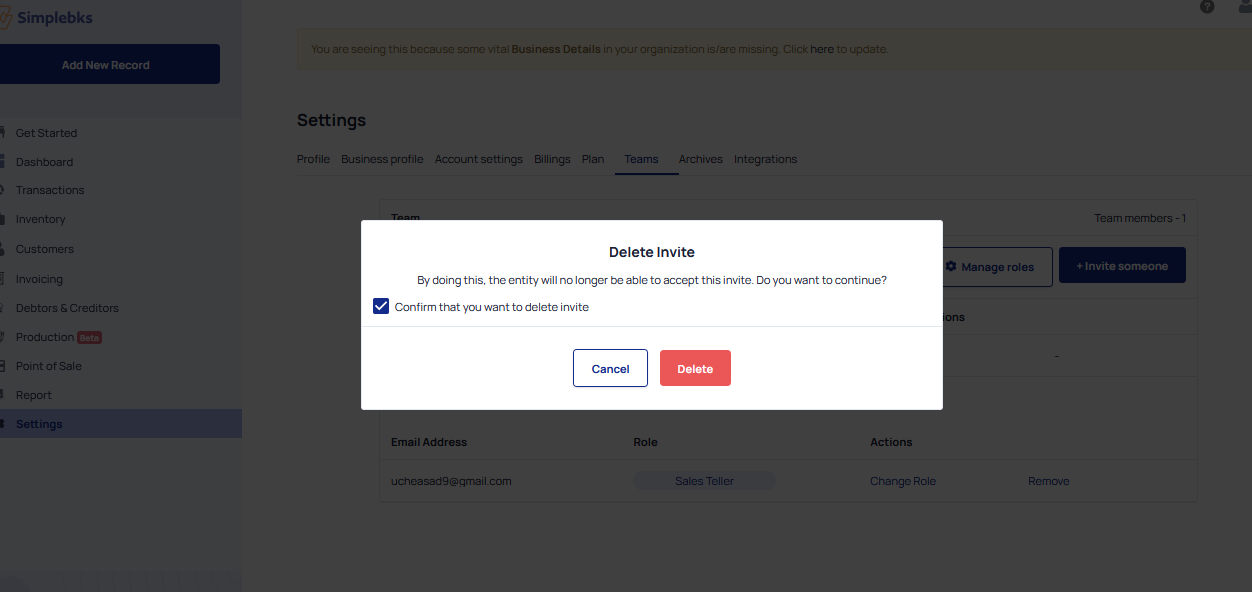
Confirm that you want to delete a memeber> Click DELETE
Was this article helpful?